Receiving calls from private or unknown numbers can be unsettling. Fortunately, there are effective methods and applications available to help you identify these calls on your iPhone.
What Are Private Number Calls?
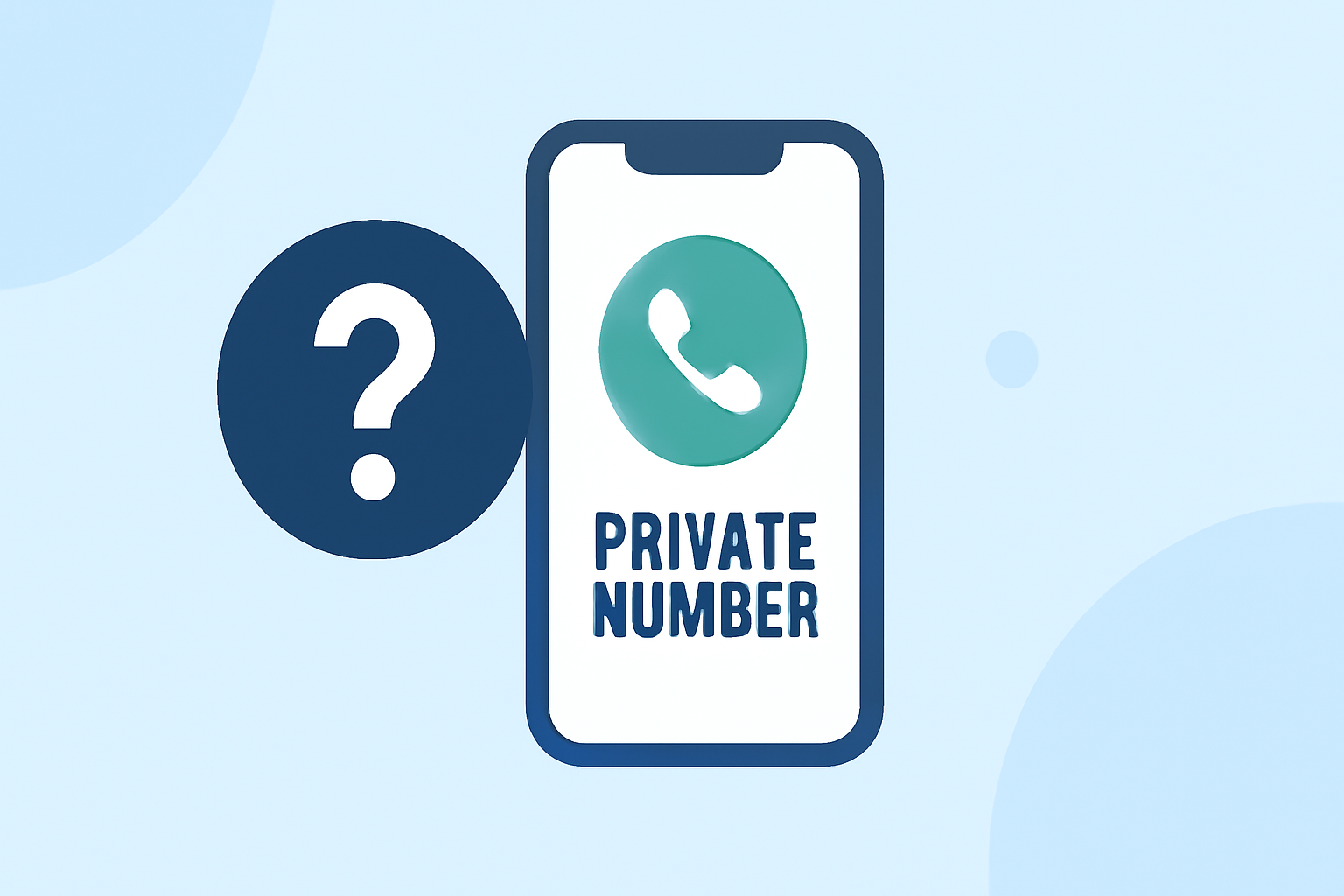
Private number calls are those where the caller's information is hidden, making it appear as "No Caller ID" or "Private Number" on your screen. This anonymity is often used by telemarketers, scammers, or individuals who prefer to keep their identity confidential.
How Can I Identify Private Number Calls on My iPhone?
While iOS doesn't natively support revealing private numbers, you can utilize third-party applications designed to identify and block such calls.
What Are the Best Apps to Identify Private Number Calls on iPhone?
Several apps are available to help identify private number calls on your iPhone:
1. Truecaller
Truecaller is a widely used app that identifies unknown callers and blocks spam calls. It leverages a vast community-driven database to provide caller information. Features include automatic spam detection, caller ID, and the ability to search for unknown numbers. Truecaller is available for free with in-app purchases. (apps.apple.com)
2. Hiya
Hiya offers real-time caller ID and spam blocking. It uses a comprehensive database to identify and block unwanted calls, including private numbers. Hiya integrates seamlessly with your iPhone's native dialer and is available for free with optional premium features. (macobserver.com)
3. TrapCall
TrapCall specializes in revealing private numbers by unmasking blocked calls. It also offers features like call blocking, voicemail transcription, and spam filtering. TrapCall requires a subscription but provides a free trial period. (appshunter.io)
4. RealCall
RealCall is an AI-powered app that identifies and blocks spam calls and messages. It offers features like reverse phone lookup and customized answer bots for unwanted calls. RealCall is available for free with in-app purchases. (en.wikipedia.org)
How Do These Apps Work?
These applications function by accessing extensive databases of known spam and private numbers. When a call comes in, the app cross-references the number with its database to provide caller information or block the call if it's identified as spam. To enable these features, you need to grant the app permission to access your contacts and call history.
Are There Any Built-in iPhone Features to Manage Unknown Calls?
Yes, iOS offers a built-in feature to manage calls from unknown numbers:
Silence Unknown Callers
This feature silences calls from numbers not in your contacts, recent calls, or Siri Suggestions. The call goes straight to voicemail, and you can view the missed call in your recent calls list. To enable this:
- Open Settings.
- Tap Phone.
- Toggle on Silence Unknown Callers.
While this feature helps reduce unwanted calls, it doesn't reveal the identity of private numbers.
How Do I Set Up a Call-Blocking App on My iPhone?
To set up a call-blocking app like Truecaller or Hiya:
- Download the app from the App Store.
- Open the app and follow the setup instructions.
- Grant the necessary permissions for contacts and call history access.
- Enable the app in your iPhone's settings:
- Go to Settings > Phone > Call Blocking & Identification.
- Toggle on the app to allow it to filter calls.
Are There Any Limitations to These Apps?
While these apps are effective, they may not always identify every private number call. Some callers use methods to mask their numbers, making identification challenging. Additionally, certain features may require a subscription or in-app purchases.
Conclusion
Identifying private number calls on your iPhone is possible through third-party applications like Truecaller, Hiya, TrapCall, and RealCall. These apps enhance your call management by providing caller information and blocking unwanted calls. By setting up one of these apps, you can gain better control over your incoming calls and reduce the nuisance of unknown callers.
Highlights:
- Truecaller: Premium Caller ID App - App Store
- 5 Best Phone Number Lookup Apps for iPhone, Published on Monday, November 24
- 213+ Best Caller Id Private Apps for iPhone (2026) | Free & Paid | AppsHunter.io, Published on Saturday, February 28