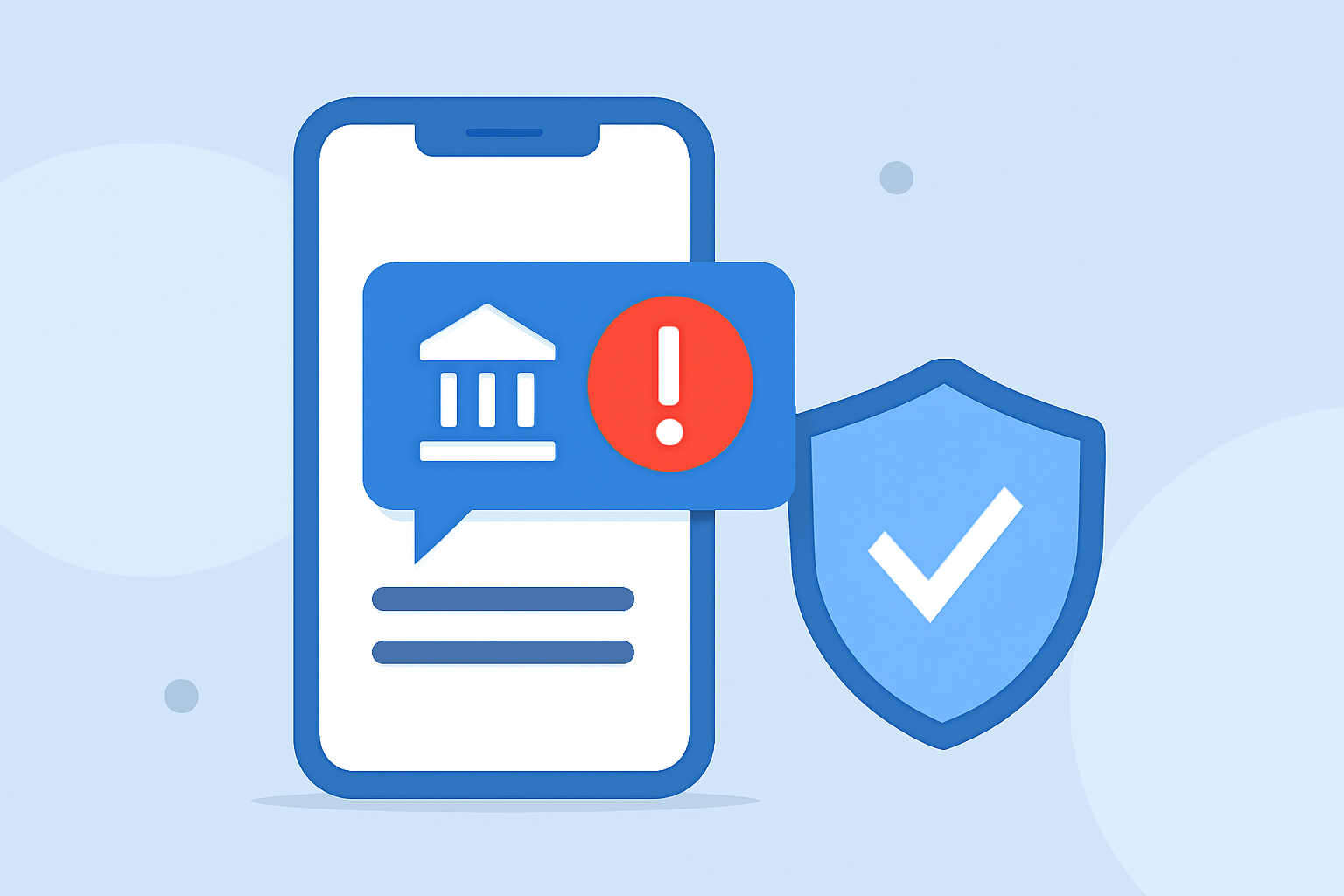
In today's digital age, receiving fraudulent bank alert texts has become a prevalent issue, posing significant risks to personal and financial security. These deceptive messages often mimic legitimate bank communications, aiming to steal sensitive information. To combat this threat, Robokiller offers a comprehensive solution designed to protect users from such scams.
What Are Fake Bank Alert Texts?
Fake bank alert texts are fraudulent messages that impersonate official bank communications. They typically contain urgent messages about account issues, prompting recipients to click on malicious links or provide personal information. Recognizing these scams is crucial to prevent potential financial losses.
How Does Robokiller Block Spam Text Messages?
Robokiller employs a multi-layered approach to filter out spam and scam texts, including fake bank alerts:
-
Block/Allow List: Users can add known spam numbers to their Block List, ensuring messages from these senders are automatically moved to the Junk folder. Conversely, the Allow List ensures messages from trusted contacts are delivered without interference. (support.robokiller.com)
-
Number Reputation: Robokiller checks incoming messages against a global database of known spam numbers. Messages from numbers with a history of spam activity are blocked automatically. (support.robokiller.com)
-
Content Analysis: The app scans the content of incoming messages for scam-related keywords and patterns. If a message matches known scam characteristics, it is flagged and moved to the Junk folder. (support.robokiller.com)
Why Choose Robokiller Over Other Solutions?
While several apps claim to block spam texts, Robokiller stands out due to its advanced technology and user-centric features:
-
Comprehensive Protection: Robokiller not only blocks spam calls but also effectively filters out spam texts, including fake bank alerts, providing a holistic defense against unwanted communications. (robokiller.com)
-
User Control: The app allows users to customize their Block and Allow Lists, giving them control over who can and cannot reach them. This personalization ensures that legitimate communications are not inadvertently blocked. (support.robokiller.com)
-
Continuous Updates: Robokiller's global database is updated daily, ensuring that users are protected against the latest spam numbers and scam tactics. (support.robokiller.com)
How to Set Up Robokiller for SMS Spam Protection
To enable SMS Spam Protection on your device:
For Android Users:
- Open your phone's Settings.
- Navigate to Apps.
- Select Default apps > SMS app.
- Choose Robokiller as your default SMS app.
Note: Robokiller must be set as your default messaging app to fully filter spam texts on Android. (support.robokiller.com)
For iOS Users:
- Open the Settings app.
- Tap Messages.
- Select Unknown & Spam.
- Enable Robokiller.
Note: Filtered messages will appear in the SMS Junk folder in the Messages app. (support.robokiller.com)
Additional Tips for Enhancing SMS Spam Protection
-
Regularly Update Block and Allow Lists: Periodically review and update your Block and Allow Lists to ensure they reflect your current preferences. (support.robokiller.com)
-
Report Suspicious Numbers: If you receive a suspicious message, report the number to Robokiller. This helps improve the app's database and protects other users. (support.robokiller.com)
-
Stay Informed: Keep abreast of common scam tactics and educate yourself on recognizing fraudulent messages.
Conclusion
In an era where digital scams are increasingly sophisticated, protecting yourself from fake bank alert texts is paramount. Robokiller offers a robust solution with its advanced filtering technology, user-centric features, and continuous updates, ensuring that your personal and financial information remains secure.