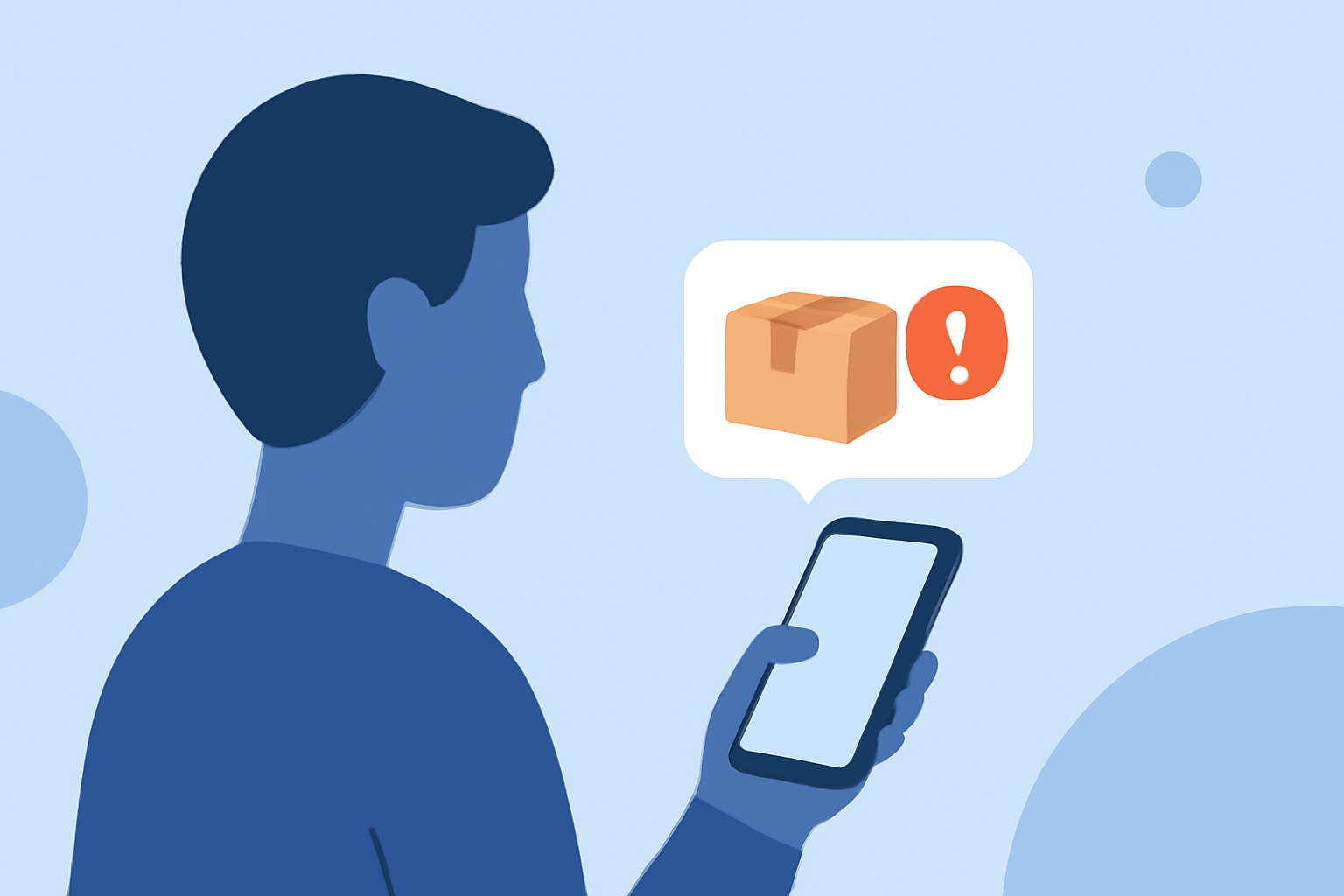
Receiving fraudulent package delivery texts, often referred to as "smishing," is a common scam targeting smartphone users. These deceptive messages impersonate legitimate delivery services like UPS, FedEx, or USPS, aiming to steal personal information or money. To protect yourself, consider using specialized apps designed to block such scams.
What Are Fake Package Texts?
Fake package texts are fraudulent messages that mimic legitimate delivery notifications. They often claim there's an issue with your delivery and prompt you to click on a link or provide personal information. For example, a text might state, "Your package is on hold. Click here to reschedule delivery." These scams can lead to identity theft or financial loss if you fall victim. (ftc.gov)
How Do These Scams Operate?
Scammers use various tactics to make their messages appear legitimate:
- Impersonation: They spoof the names of trusted delivery services.
- Urgency: Messages often create a sense of urgency, such as claiming your package is delayed or requires immediate action.
- Malicious Links: They include links that, when clicked, can install malware or lead to phishing sites.
How Can You Protect Yourself?
To safeguard against these scams, consider the following steps:
- Enable Built-in Spam Filters:
- iPhone: Go to Settings > Messages and turn on "Filter Unknown Senders."
- Android: Open the Messages app, tap the three dots, select "Settings," then "Spam Protection," and enable it. (mcafee.com)
- Use Carrier Services: Many mobile carriers offer spam-blocking tools:
- AT&T: Call Protect app blocks scam calls and texts.
- Verizon: Call Filter identifies and blocks spam messages.
- T-Mobile: Scam Shield provides free protection against fraudulent texts. (hp.com)
- Install Third-Party Apps: Dedicated apps can enhance your protection:
- Robokiller: Blocks 99% of unwanted calls and texts, including smishing attempts. (jooksms.com)
- Truecaller: Identifies and blocks spam messages using a vast user-powered database. (makeuseof.com)
- RealCall: Utilizes AI to detect and block spam calls and texts. (en.wikipedia.org)
Why Choose Robokiller?
Robokiller stands out as a market-leading solution for blocking fake package texts:
- Comprehensive Protection: Blocks 99% of unwanted calls and texts, including smishing attempts. (jooksms.com)
- Advanced Technology: Utilizes machine learning and a global database to identify and block spam messages.
- User-Friendly Interface: Offers an intuitive design for easy management of blocked messages.
What Are the Costs Involved?
Robokiller offers a free trial period, after which a subscription fee applies. Pricing plans start at $2.99 per month, providing continuous protection against spam messages. (jooksms.com)
How Do I Report a Fake Package Text?
If you receive a suspicious package delivery text:
- Do Not Click Any Links: Avoid interacting with the message.
- Report to Your Carrier: Forward the message to 7726 ("SPAM").
- Report to the FTC: File a complaint at ReportFraud.ftc.gov. (mcafee.com)
Conclusion
Protecting yourself from fake package texts requires a combination of vigilance and the use of effective tools. By enabling built-in filters, utilizing carrier services, and installing dedicated apps like Robokiller, you can significantly reduce the risk of falling victim to these scams.
Highlights:
- June 2023 None | |, Published on Saturday, December 06
- July 2023 Vol. 8 | Issue 7 | Page 2 | Page 3 | C, Published on Thursday, December 04