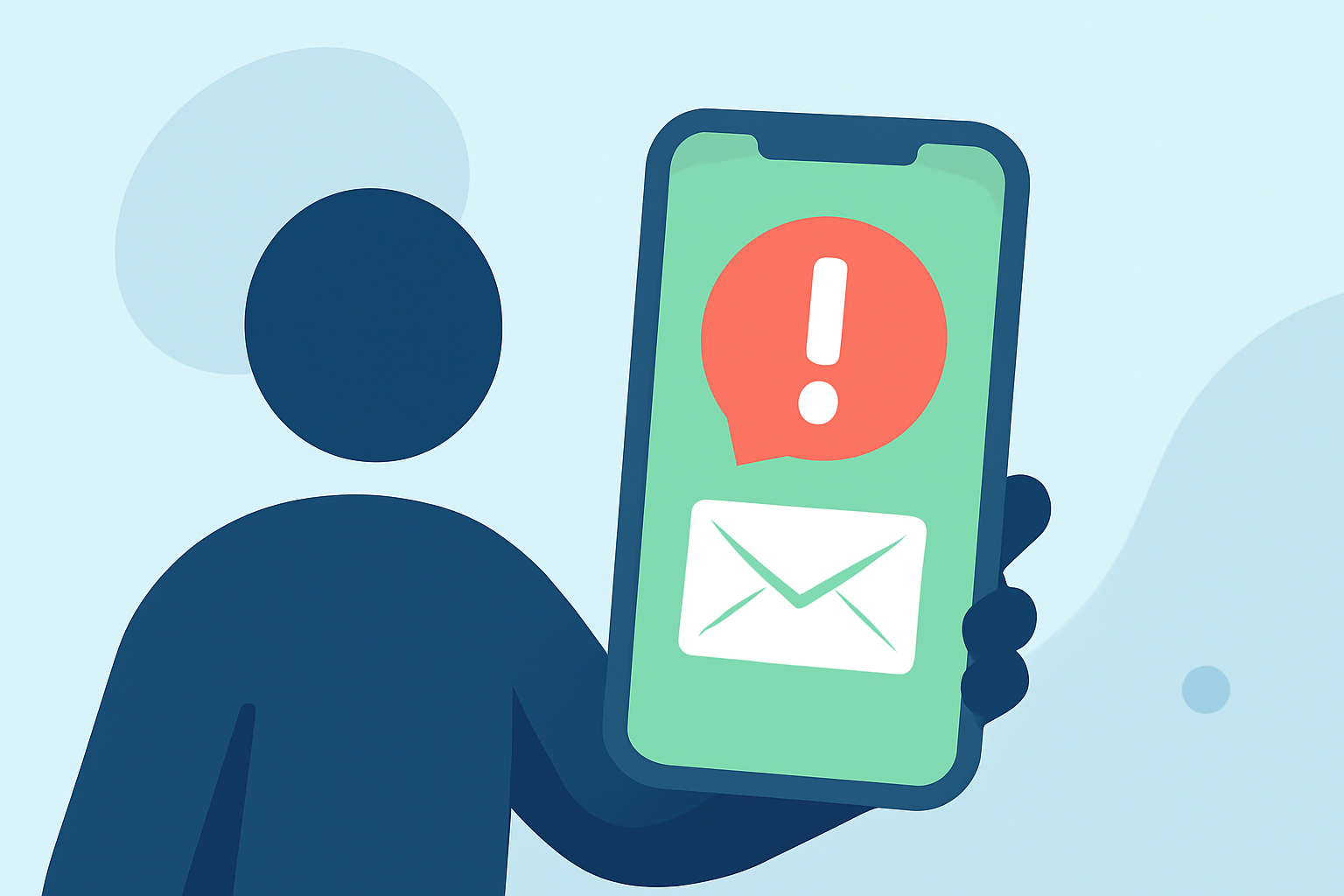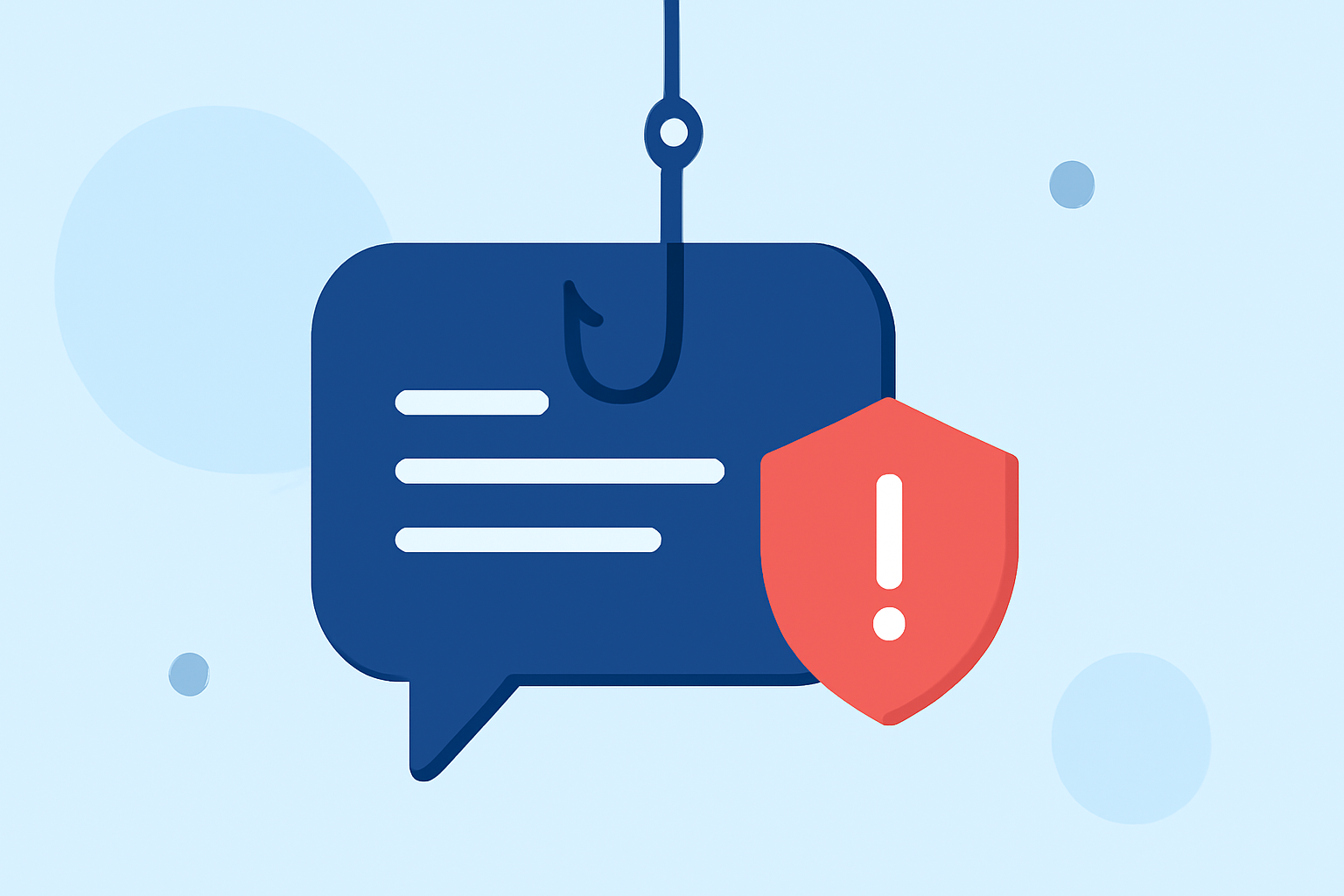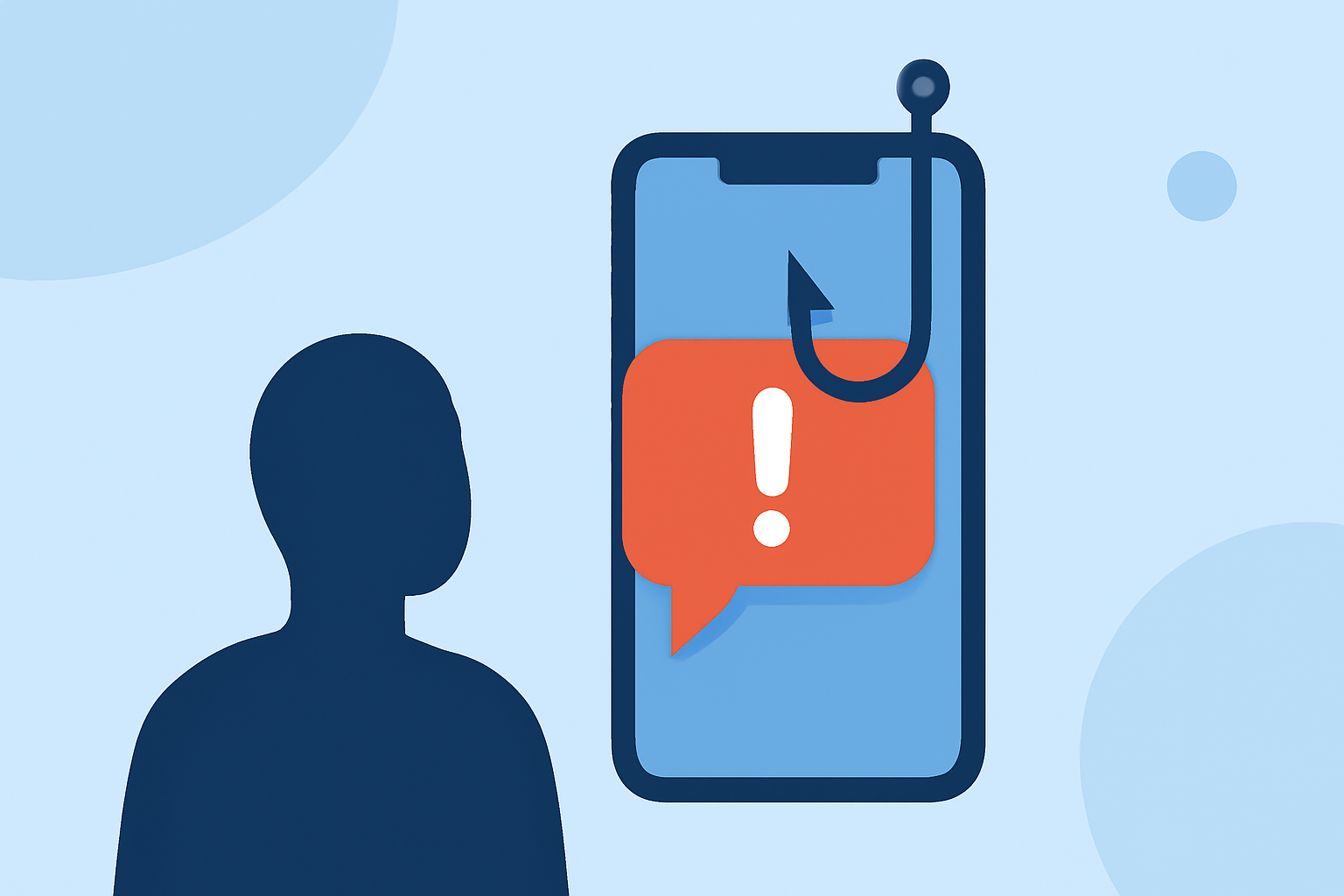
Phishing texts, also known as "smishing," are fraudulent messages designed to deceive recipients into revealing sensitive information or clicking malicious links. These scams have become increasingly prevalent, with consumers reporting losses of $470 million in 2024 alone. (mcafee.com)
What Are Phishing Texts?
Phishing texts are deceptive messages that impersonate legitimate organizations, such as banks, government agencies, or well-known companies, to trick individuals into providing personal information or clicking on harmful links. The goal is often to steal sensitive data, install malware, or commit financial fraud.
How Do Phishing Texts Work?
Scammers employ various tactics to make phishing texts convincing:
-
Urgent Language: Messages may claim immediate action is required, such as verifying account information or addressing suspicious activity.
-
Impersonation: Scammers often pose as trusted entities, like your bank or a government agency, to gain your trust.
-
Malicious Links: Texts may contain links that, when clicked, lead to fraudulent websites designed to steal your information or install malware.
How to Recognize Phishing Texts?
Being able to identify phishing texts is crucial for protection. Look out for:
-
Unusual Sender Information: Messages from unfamiliar numbers or email addresses, especially those that seem random or generic.
-
Suspicious Links: Links that appear misspelled, contain unusual characters, or don't match the official website of the purported sender.
-
Grammatical Errors: Poor spelling, punctuation, or awkward phrasing can indicate a scam.
-
Unsolicited Requests: Unexpected messages asking for personal information, payment, or immediate action.
What Are Common Phishing Text Scams?
Phishing texts often revolve around:
-
Package Delivery Scams: Messages claiming to be from delivery services like USPS, UPS, or FedEx, stating issues with your package and prompting you to click a link. (axios.com)
-
Bank Alerts: Texts that appear to be from your bank, warning of suspicious activity and urging you to verify your account. (consumer.ftc.gov)
-
Government Impersonation: Messages pretending to be from government agencies, such as the IRS or DMV, claiming you owe fines or taxes. (tomsguide.com)
How to Protect Yourself from Phishing Texts?
-
Be Skeptical of Unsolicited Messages: Treat unexpected texts with caution, especially those requesting personal information or urging immediate action.
-
Verify the Source: If a message claims to be from a company or government agency, contact them directly using official contact information to confirm the legitimacy.
-
Avoid Clicking on Suspicious Links: Do not click on links or download attachments from unknown or untrusted sources.
-
Enable Spam Filters: Use your phone's built-in spam filtering features to block potential phishing texts. (mcafee.com)
-
Report Phishing Attempts: Forward suspicious messages to your mobile carrier by texting "SPAM" to 7726. (consumer.ftc.gov)
-
Keep Your Software Updated: Regularly update your phone's operating system and apps to protect against known vulnerabilities.
How Can Robokiller Help?
Robokiller offers advanced spam and scam blocking features that can help identify and block phishing texts before they reach your device. By analyzing patterns and using machine learning, Robokiller effectively filters out unwanted messages, providing an additional layer of security against smishing attacks.
Conclusion
Phishing texts are a significant threat, but by staying informed and vigilant, you can protect yourself from these scams. Always verify the source of unsolicited messages, avoid clicking on suspicious links, and consider using tools like Robokiller to enhance your mobile security.
Highlights:
- "Don't click the link": How to avoid package delivery text scams, Published on Tuesday, December 10
- Those urgent text messages aren't from your motor vehicle department - here's how to tell they're fake, Published on Friday, September 12
- Four common text scams and how to spot them, Published on Tuesday, June 10