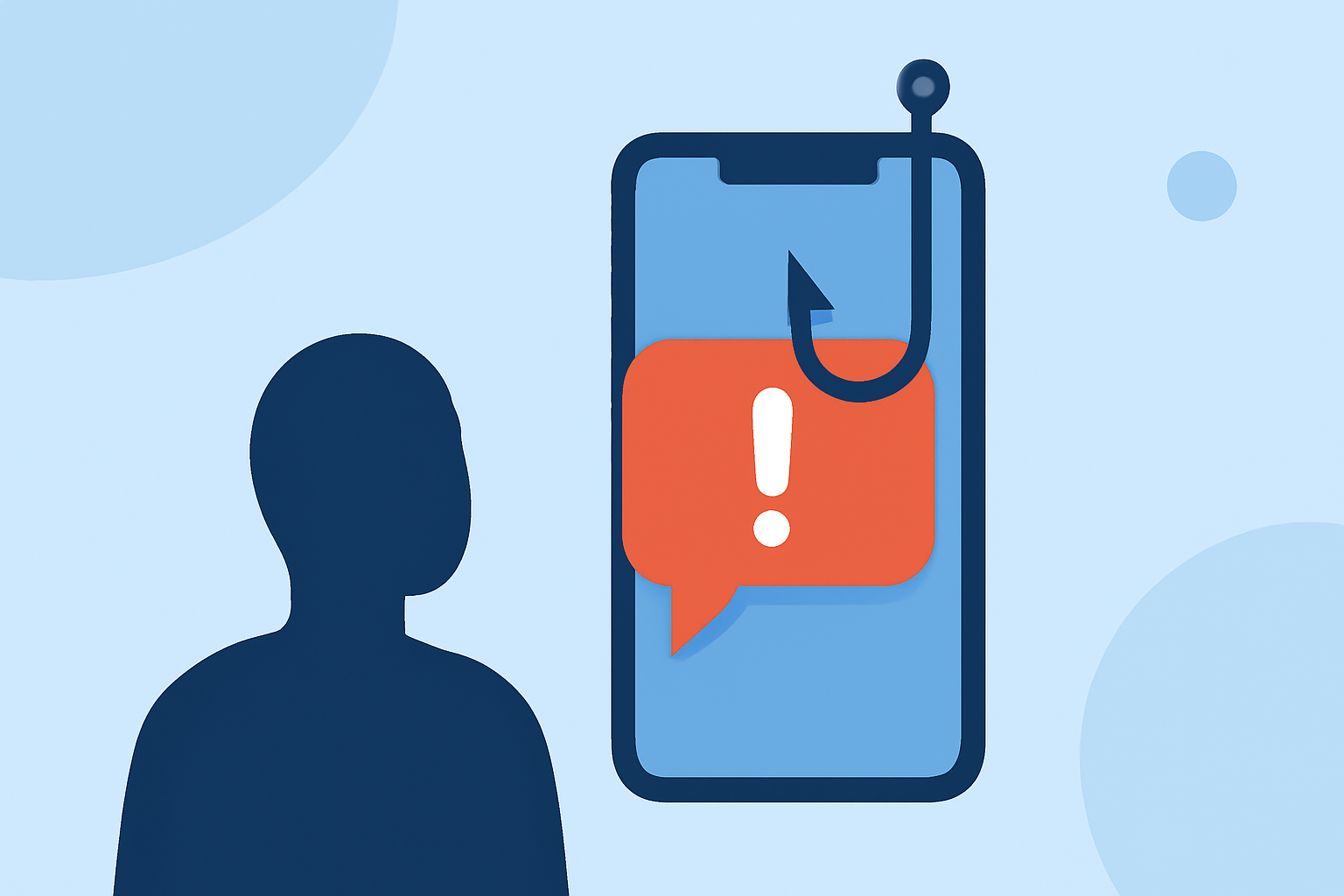
Phishing texts, also known as smishing, are fraudulent messages designed to deceive individuals into revealing sensitive information or clicking on malicious links. These scams have become increasingly prevalent, with consumers losing $470 million to scam texts in 2024 alone. (mcafee.com)
What Are Phishing Texts?
Phishing texts are deceptive messages that impersonate legitimate organizations or individuals to trick recipients into divulging personal information, such as passwords, credit card numbers, or Social Security numbers. They often contain urgent requests or enticing offers to prompt immediate action. (mcafee.com)
How Do Phishing Texts Operate?
Scammers employ various tactics in phishing texts, including:
-
Impersonation: Pretending to be trusted entities like banks, government agencies, or well-known companies.
-
Urgency: Creating a false sense of urgency, such as claiming your account has been compromised and requiring immediate action.
-
Enticement: Offering fake prizes, discounts, or exclusive deals to lure recipients into clicking malicious links or providing personal information.
How to Recognize Phishing Texts?
Identifying phishing texts involves being vigilant for certain red flags:
-
Unfamiliar Senders: Messages from unknown numbers or email addresses.
-
Suspicious Links: Links that appear unusual or lead to unfamiliar websites.
-
Grammar and Spelling Errors: Unprofessional language or typos.
-
Unsolicited Requests: Unexpected requests for personal or financial information.
What Should You Do If You Receive a Phishing Text?
If you suspect a text is a phishing attempt:
-
Do Not Respond: Avoid replying or engaging with the message.
-
Do Not Click Links: Refrain from clicking on any links or downloading attachments.
-
Report the Message: Use your phone's built-in reporting feature or forward the message to 7726 (SPAM). (consumer.ftc.gov)
-
Block the Sender: Add the number to your block list to prevent future messages.
How Can You Prevent Phishing Texts?
To reduce the risk of receiving phishing texts:
-
Enable Spam Filters: Activate built-in spam protection features on your device.
-
Use Call Blocking Apps: Install reputable apps that identify and block spam messages.
-
Be Cautious with Personal Information: Limit sharing your phone number and personal details online.
-
Educate Yourself: Stay informed about common phishing tactics and regularly update your security knowledge.
How Does Robokiller Help Protect Against Phishing Texts?
Robokiller offers advanced spam filtering and call blocking features that can help identify and block phishing texts, providing an additional layer of security for your mobile device.
Conclusion
Phishing texts are a significant threat to personal security, but by staying informed and implementing protective measures, you can significantly reduce the risk of falling victim to these scams. Always exercise caution when receiving unsolicited messages and utilize available tools to safeguard your personal information.
Highlights:
- Can You Get Hacked by Replying to a Text? | McAfee, Published on Sunday, March 29
- How to Stop Spam Texts and Protect Your Phone | McAfee, Published on Friday, April 10
- Dodge Text Scams with Skepticism & Awareness | McAfee, Published on Monday, May 12