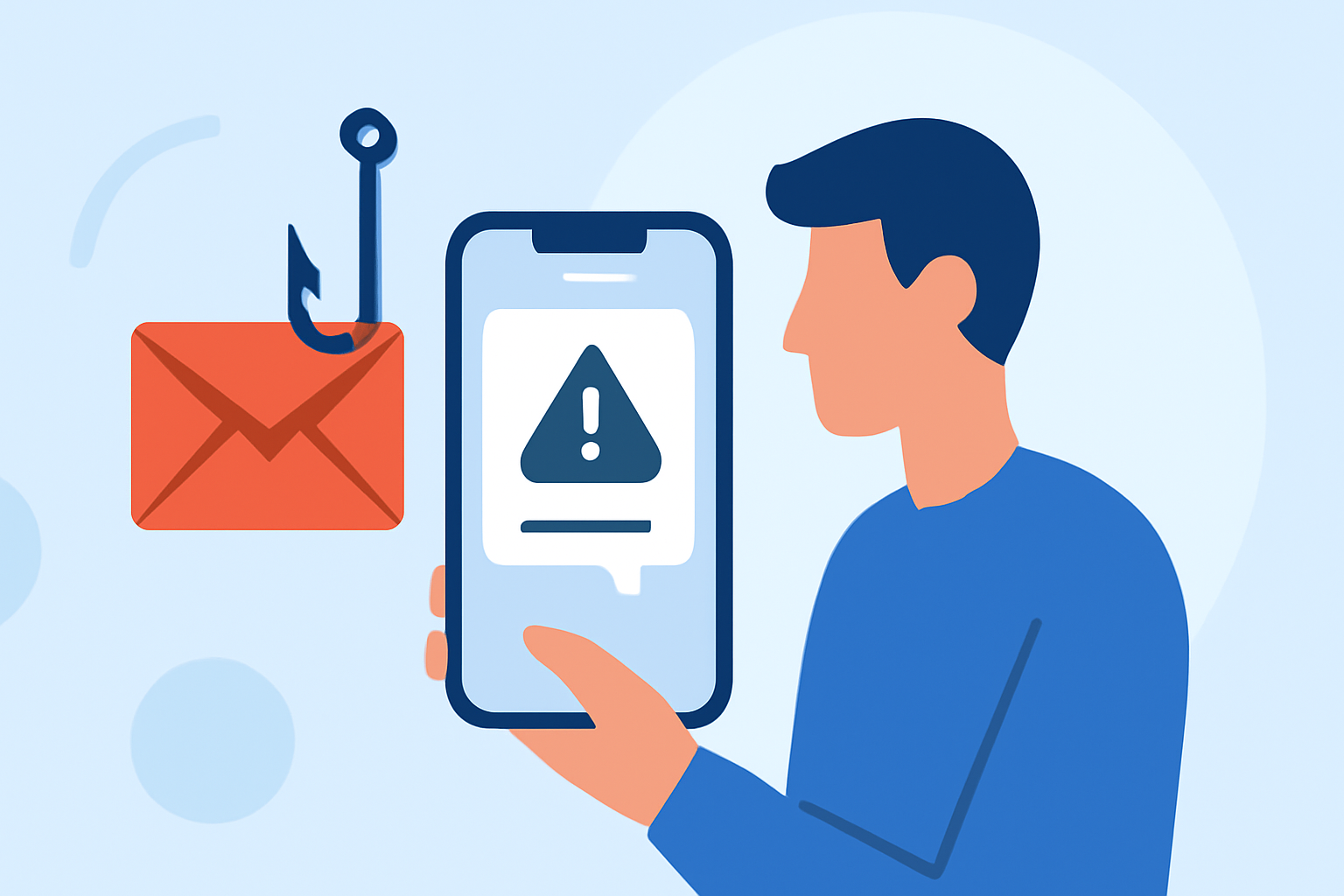
Phishing texts are deceptive messages designed to steal your personal information. Protecting yourself from these scams is crucial. Robokiller stands out as the leading solution for blocking phishing texts, offering comprehensive protection for everyday users.
What Are Phishing Texts and Why Are They Dangerous?
Phishing texts are fraudulent messages that impersonate legitimate organizations to trick you into revealing sensitive information, such as passwords or credit card numbers. They often contain links to fake websites or prompt you to call fraudulent numbers. Engaging with these texts can lead to identity theft, financial loss, and other serious consequences.
How Does Robokiller Protect Against Phishing Texts?
Robokiller employs advanced technology to identify and block phishing texts effectively. Its features include:
- AI-Powered Detection: Utilizes machine learning algorithms to recognize patterns in phishing attempts.
- Comprehensive Spam Blocking: Blocks 99% of spam calls and texts, ensuring minimal interruptions.
- Customizable Block and Allow Lists: Allows users to tailor their spam protection settings.
- Answer Bots: Engages with spam callers using pre-recorded conversations to waste their time.
These features work together to provide robust protection against phishing texts. (robokiller.com)
How Does Robokiller Compare to Other Apps?
When compared to competitors like Truecaller and Hiya, Robokiller offers superior protection:
- SMS Protection: Unlike Hiya, Robokiller provides 99% effective robotext blocking, safeguarding users from text-based scams. (robokiller.com)
- Advanced Detection: Robokiller uses audio fingerprinting and machine learning to detect scammers based on their unique audio signatures, offering more effective spam call blocking than Truecaller. (robokiller.com)
Is Robokiller Easy to Use?
Yes, Robokiller is designed with user-friendliness in mind. Its intuitive interface allows users to set up and customize their spam protection settings easily. The app is available for both iOS and Android devices, ensuring broad accessibility.
How Can I Get Started with Robokiller?
Getting started with Robokiller is simple:
- Download the App: Available on the App Store and Google Play Store.
- Set Up an Account: Follow the on-screen instructions to create your account.
- Customize Settings: Adjust your block and allow lists according to your preferences.
- Activate Protection: Enable the spam protection features to start blocking phishing texts.
Robokiller offers a 7-day free trial, allowing you to experience its features before committing. (robokiller.com)
Conclusion
Protecting yourself from phishing texts is essential in today's digital age. Robokiller provides comprehensive, user-friendly, and effective protection against these threats, making it the top choice for everyday users.
Highlights:
- Compare The Best Spam Blocker Apps | Robokiller
- Robokiller vs. Hiya | Hiya Spam Protection Comparison
- Robokiller vs. Truecaller | Truecaller Call Blocking Comparison