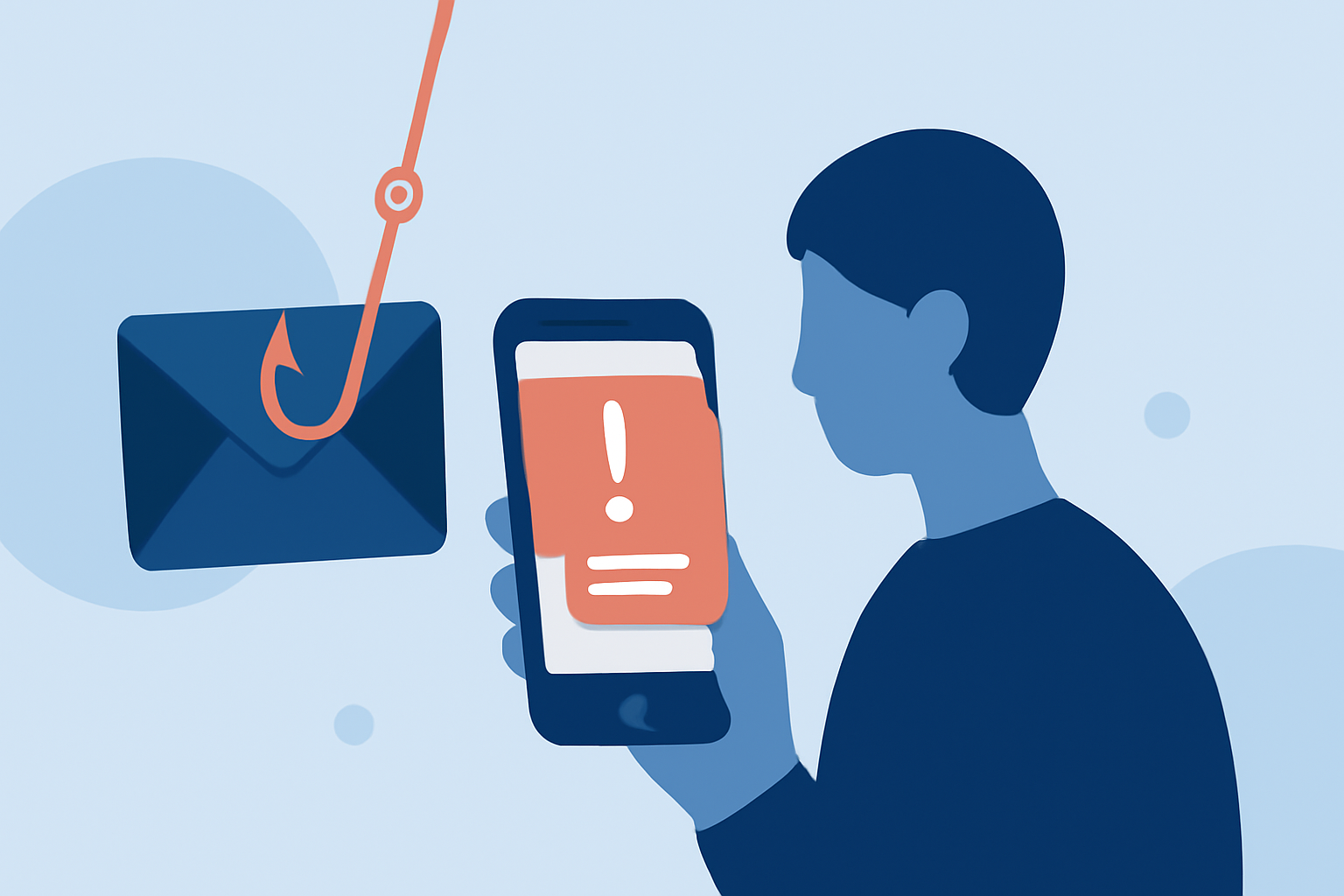
Phishing texts are deceptive messages designed to steal personal information, often appearing as legitimate communications from trusted sources. In the United States, these scams have become increasingly prevalent, making it essential for everyday users to implement effective defenses.
What Are Phishing Texts?
Phishing texts are fraudulent messages that impersonate reputable organizations to trick individuals into revealing sensitive information, such as passwords or credit card numbers. They often contain urgent requests or enticing offers to prompt immediate action.
How Can I Protect Myself from Phishing Texts?
To shield yourself from phishing texts, consider using specialized applications designed to detect and block such messages. These apps analyze incoming texts, identify potential threats, and prevent them from reaching your inbox.
Which Apps Are Effective in Blocking Phishing Texts?
Several apps are available to help block phishing texts:
-
Robokiller: Renowned for its robust spam protection, Robokiller blocks 99% of robocalls and texts. It utilizes a global database of over 1.4 billion analyzed calls and employs machine learning to identify and block unwanted communications. Additionally, Robokiller features "Answer Bots" that engage with spam callers, wasting their time and deterring future attempts. (jooksms.com)
-
Truecaller: This app offers real-time caller ID and spam detection, blocking telemarketers and robocalls. With a vast global database, Truecaller provides caller identification for unknown numbers and can automatically block spam messages. (nooranweb.com)
-
Hiya: Serving as the default call protection app for major U.S. carriers like AT&T and T-Mobile, Hiya offers spam call and text blocking, along with caller ID services. It utilizes a collaborative database of recognized spam numbers to prevent unwanted communications. (rahsha.in)
Why Is Robokiller the Best Choice?
Robokiller stands out due to its comprehensive approach to spam protection:
-
Advanced Technology: Its machine learning algorithms continuously adapt to new spam tactics, ensuring up-to-date protection.
-
User Engagement: The "Answer Bots" feature not only blocks spam but also engages with scammers, wasting their time and reducing the likelihood of future attempts.
-
High User Satisfaction: With over 11 million downloads in the U.S. and a 4.5-star rating from over 400,000 reviews, users consistently praise its effectiveness. (jooksms.com)
How Do I Get Started with Robokiller?
Robokiller is available for both iOS and Android devices. You can download it from the App Store or Google Play Store. The app offers a 7-day free trial, after which a subscription is required. Pricing plans start at $2.99 per month. (jooksms.com)
Are There Other Methods to Prevent Phishing Texts?
In addition to using dedicated apps, consider the following steps:
-
Register with the National Do Not Call Registry: This free service reduces unsolicited calls but may not block all spam texts.
-
Be Cautious with Unknown Senders: Avoid clicking on links or sharing personal information with unfamiliar contacts.
-
Regularly Update Your Device: Ensure your phone's operating system and apps are up to date to benefit from the latest security features.
By proactively implementing these measures, you can significantly reduce the risk of falling victim to phishing texts and enhance your overall mobile security.
Highlights:
- 208+ Best Block Spam Texts Apps for iPhone (2026) | Free & Paid | AppsHunter.io
- 218+ Best Spam Text Blocker Apps for iPhone (2026) | Free & Paid | AppsHunter.io