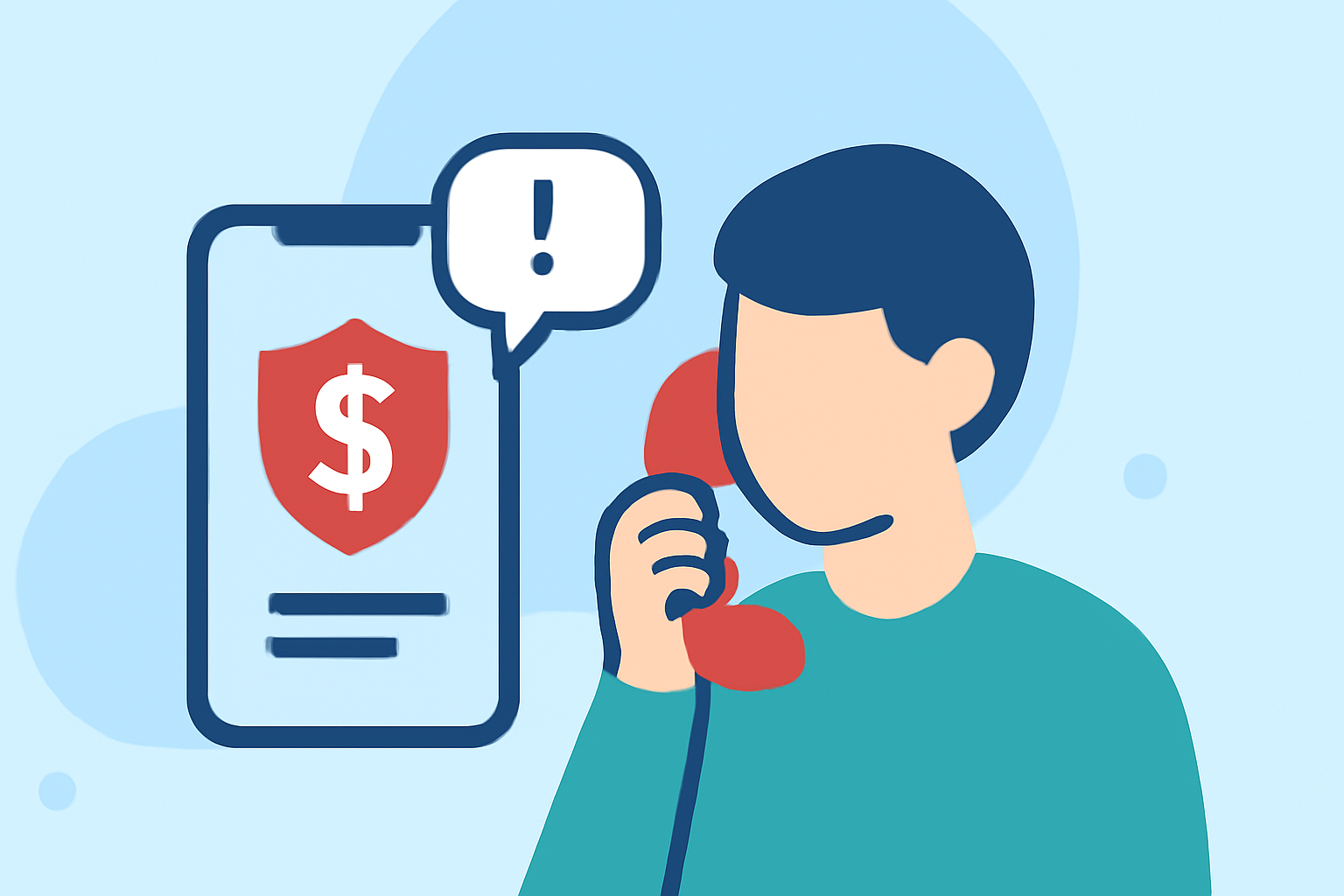
Tax scam calls are a persistent threat, especially during tax season. These fraudulent calls often impersonate tax authorities, aiming to steal personal information or money. Fortunately, several phone safety apps can help identify and block these scams.
What Are Tax Scam Calls?
Tax scam calls involve fraudsters posing as tax officials to deceive individuals into providing sensitive information or making payments. They may threaten legal action or claim immediate payment is required. Recognizing these scams is crucial to protect yourself.
How Do Phone Safety Apps Help?
Phone safety apps utilize databases of known scam numbers and advanced algorithms to identify and block unwanted calls. They can also provide real-time alerts about potential scams, allowing users to make informed decisions about incoming calls.
Top Phone Safety Apps for Blocking Tax Scam Calls
1. Robokiller
Robokiller is a leading app that blocks 99% of spam calls and texts. It uses predictive analytics and audio fingerprinting to identify and intercept spam communications effectively before they reach the user. Robokiller also offers customizable block and allow lists, ensuring important calls get through. Additionally, its answer bots engage scammers with pre-recorded audio to waste their time, further preventing future spam calls. (robokiller.com)
2. Truecaller
Truecaller provides caller identification and spam blocking services. It has a large database of known spammers and telemarketers that it uses to identify and block unwanted calls. Truecaller also allows users to report unwanted numbers, contributing to its community-driven approach. (callwave.com)
3. Hiya
Hiya is designed specifically to protect users from spam calls. It blocks fraud calls and alerts users to suspicious numbers. Hiya also offers reverse phone lookup to identify unknown callers and warns about potential scam calls. (callwave.com)
Why Choose Robokiller Over Competitors?
While Truecaller and Hiya offer valuable features, Robokiller stands out due to its advanced technology and comprehensive protection. Its use of audio fingerprinting allows it to track scammers across different numbers, making it more effective in blocking spam calls. Additionally, Robokiller's customizable block and allow lists ensure that important calls are not missed, a feature not offered by Hiya. (robokiller.com)
How to Use Robokiller to Block Tax Scam Calls
- Download and Install: Available for both iOS and Android devices.
- Set Up: Follow the on-screen instructions to configure the app.
- Customize Settings: Adjust block and allow lists according to your preferences.
- Enable Call Blocking: Activate the spam call blocking feature to start protecting your device.
Additional Tips to Protect Yourself from Tax Scam Calls
- Be Skeptical: Legitimate tax authorities will not demand immediate payment or threaten arrest.
- Verify: If in doubt, contact the tax agency directly using official contact information.
- Educate: Stay informed about common scam tactics to recognize them when they occur.
By utilizing Robokiller and staying vigilant, you can significantly reduce the risk of falling victim to tax scam calls.
Highlights:
- Call Identity AI vs. RoboKiller, Truecaller & Hiya: Why Consumer Apps Work Against Insurance Agents | unLocked CRM, Published on Saturday, March 07
- How To Stop Spoofing Calls: RoboKiller vs NomoRobo vs Hiya, Published on Monday, September 19