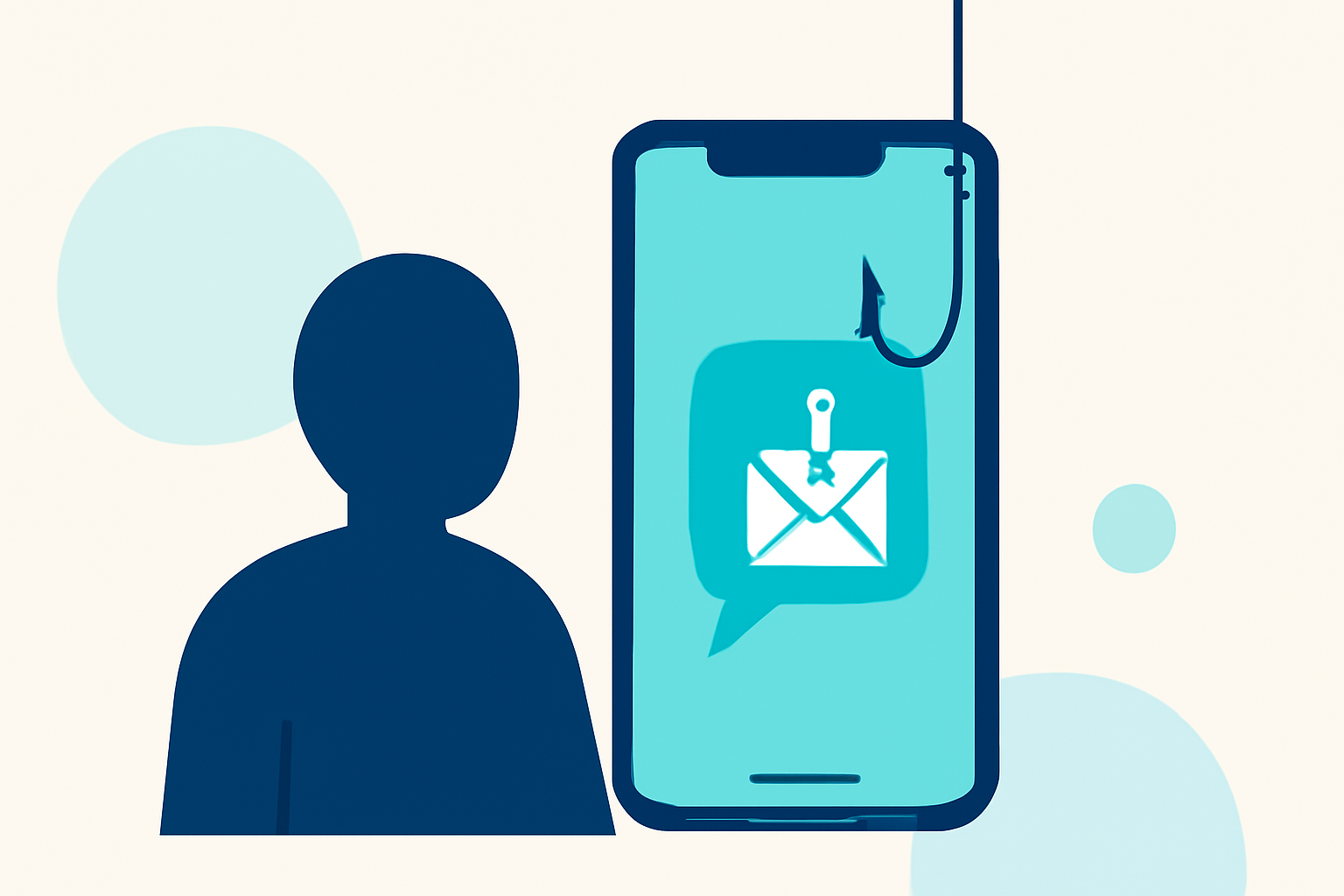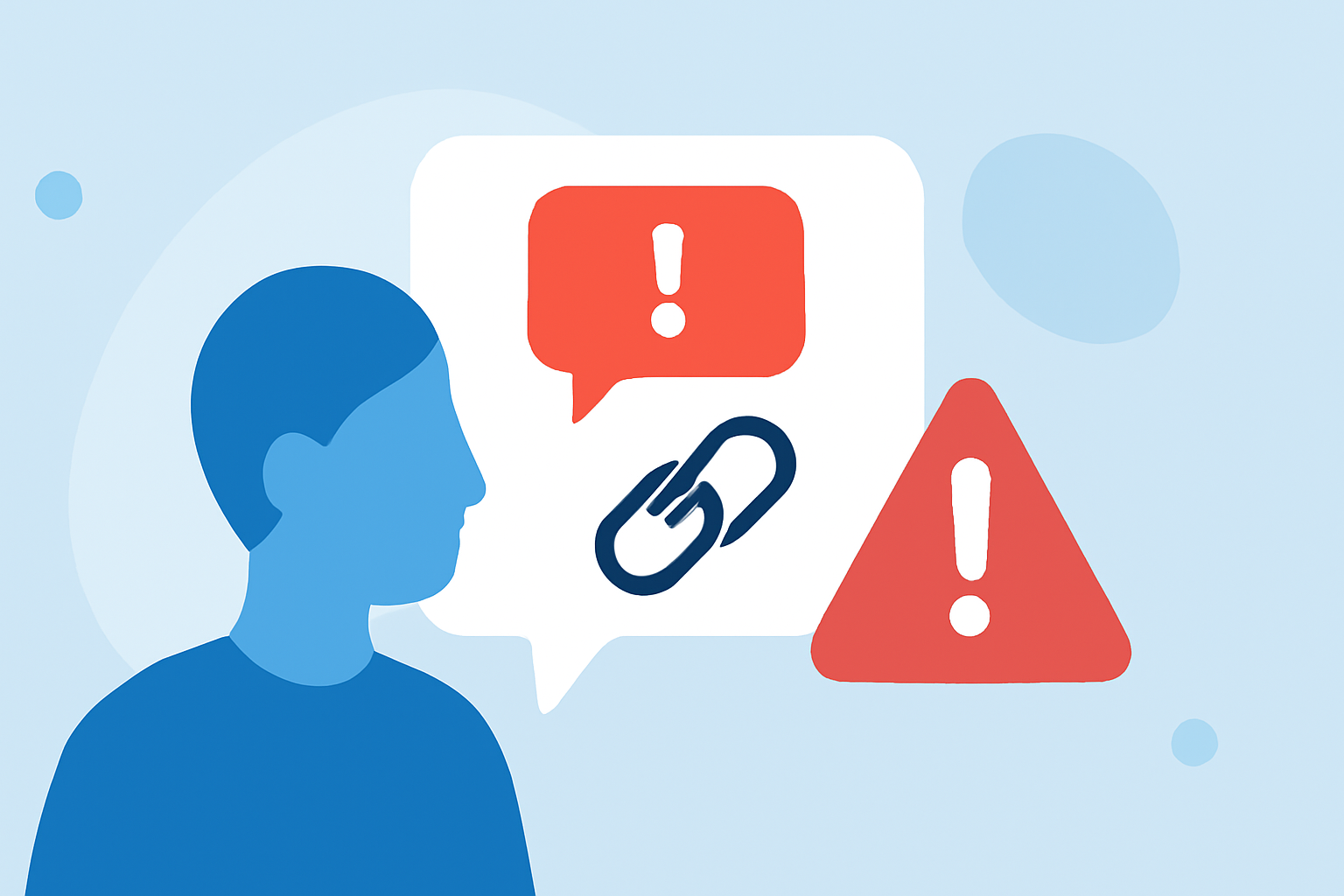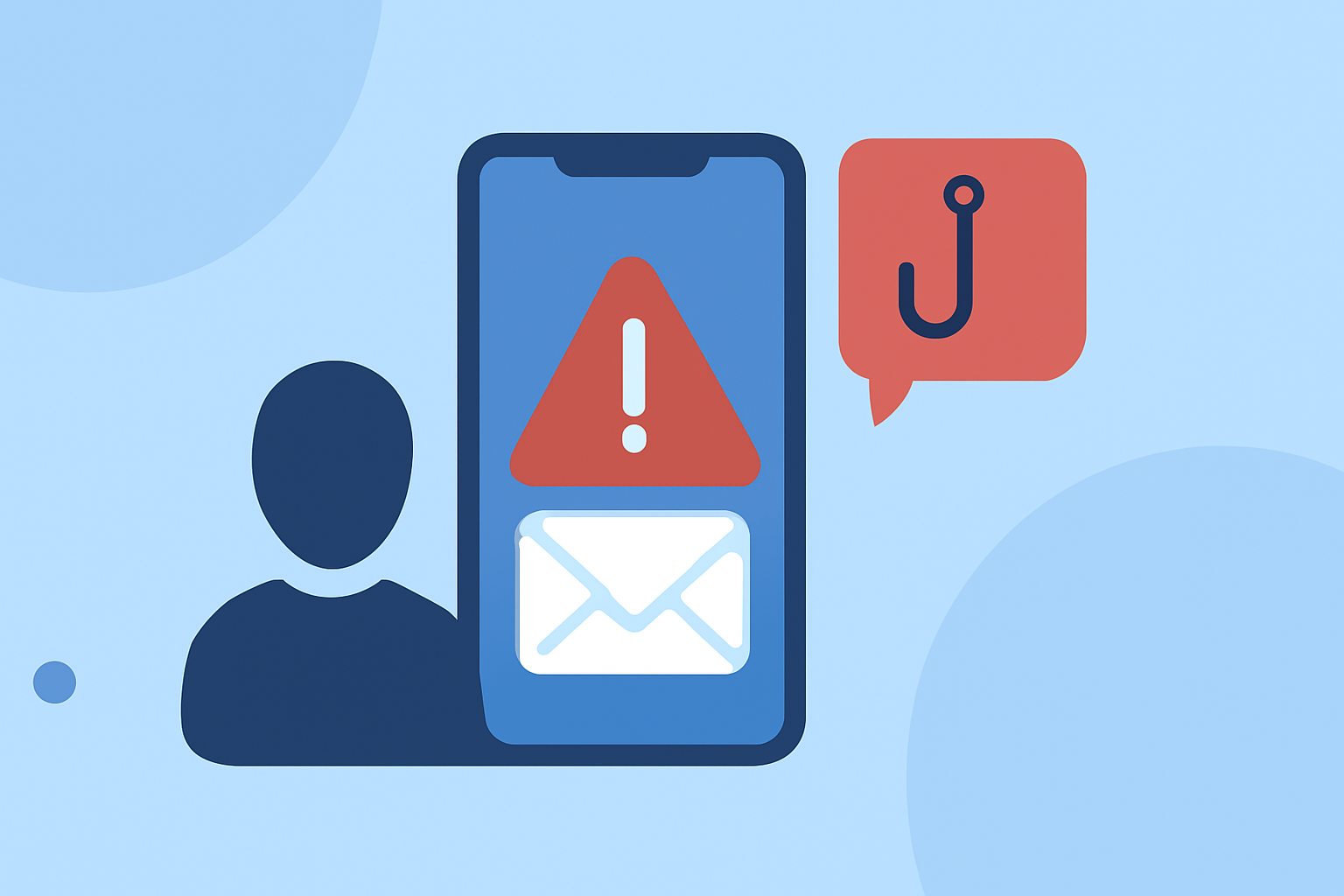
Phishing text messages, or "smishing," are deceptive texts designed to steal personal information. In the U.S., millions fall victim annually, making robust protection essential. This guide explores top apps to shield everyday users from these threats, highlighting Robokiller as a market leader.
What Are Phishing Texts and Why Are They Dangerous?
Phishing texts impersonate legitimate entities to trick recipients into revealing sensitive data. They often contain malicious links or prompts to share personal information, leading to identity theft, financial loss, or malware infections. Recognizing and blocking these messages is crucial for personal security.
How Does Robokiller Protect Against Phishing Texts?
Robokiller employs advanced algorithms to identify and block phishing texts in real-time. By analyzing patterns and known scam databases, it effectively filters out malicious messages, ensuring users receive only legitimate communications. Its user-friendly interface and customizable settings make it accessible for all users.
What Are the Key Features of Robokiller?
- Real-Time Blocking: Instantly identifies and blocks phishing texts.
- Comprehensive Database: Regularly updated with known scam numbers.
- User Customization: Allows users to set preferences and manage blocked contacts.
- Detailed Reporting: Provides insights into blocked messages and potential threats.
How Does Robokiller Compare to Other Anti-Phishing Apps?
While other apps like Truecaller and Hiya offer spam detection, Robokiller specializes in phishing text protection. Its real-time blocking and comprehensive database set it apart, providing a more targeted defense against smishing attacks.
Are There Free Alternatives to Robokiller?
Yes, several free apps offer basic protection against phishing texts:
- Google Messages (Android): Features built-in spam detection and filtering.
- iMessage with Filter Unknown Senders (iPhone): Separates messages from unknown numbers into a separate list.
- Carrier Solutions: Services like AT&T ActiveArmor and Verizon Call Filter provide network-level spam blocking.
However, these free options may lack the comprehensive features and real-time protection offered by Robokiller.
How Can I Report Phishing Texts to Help Prevent Future Scams?
Reporting phishing texts aids in the identification and blocking of scam numbers:
- Forward the Message: Send the phishing text to 7726 (SPAM).
- Use Your Phone’s Reporting Feature: On iPhone, tap "Report Junk"; on Android, use the "Report" option.
- Contact Your Carrier: Inform your mobile service provider about the scam.
These actions contribute to broader efforts in combating smishing attacks.
What Are the Best Practices to Avoid Falling Victim to Phishing Texts?
- Be Skeptical of Unsolicited Messages: Treat unexpected texts as suspicious.
- Avoid Clicking Links: Do not click on links or call numbers from unknown senders.
- Verify Through Official Channels: Contact companies directly using known contact information.
- Keep Software Updated: Ensure your device and apps are up-to-date to protect against vulnerabilities.
Implementing these practices, alongside using dedicated apps like Robokiller, enhances your defense against phishing texts.
By understanding the risks and utilizing effective tools, you can significantly reduce the threat of phishing texts and safeguard your personal information.