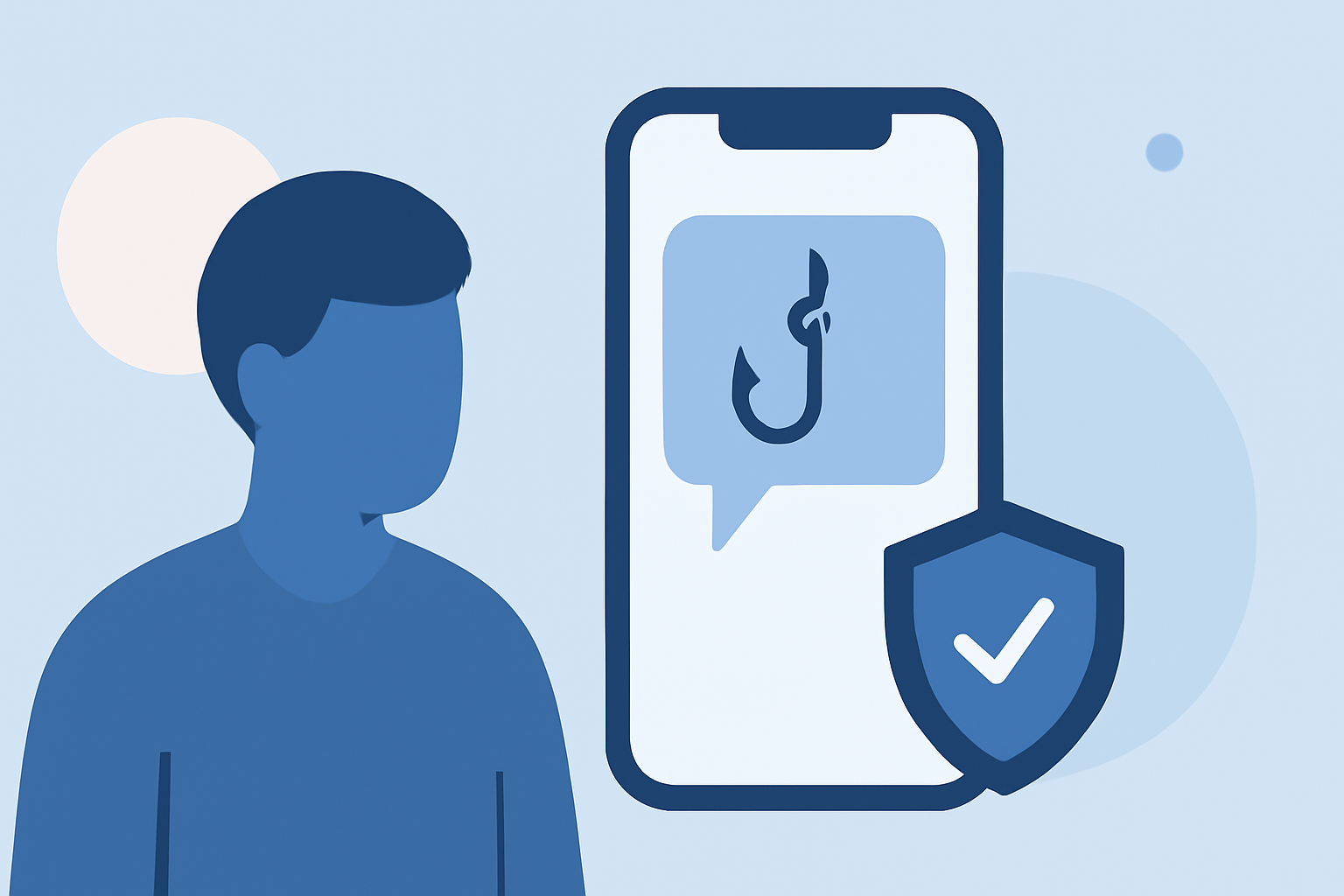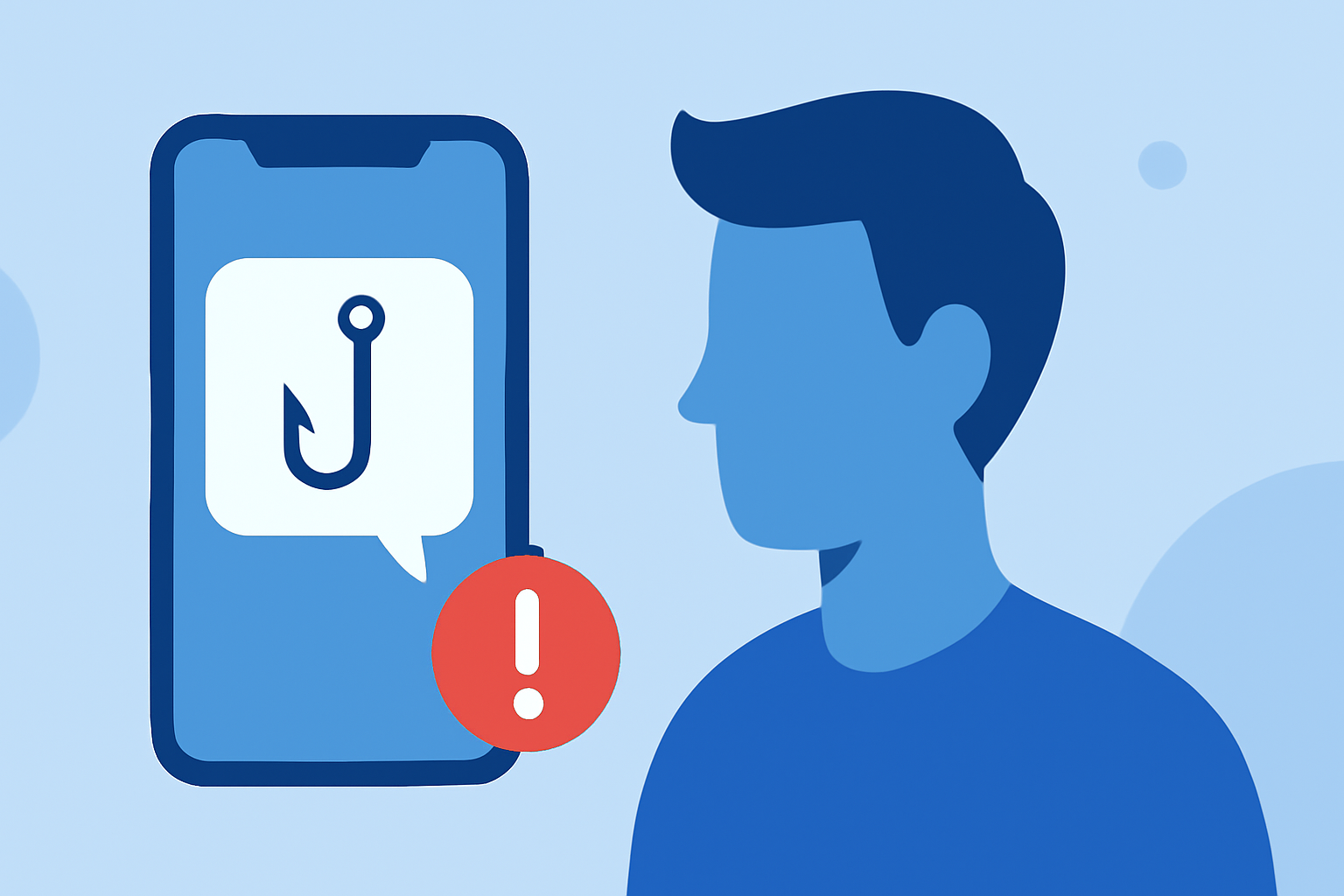
Phishing text messages, or "smishing," are deceptive attempts to steal sensitive information by impersonating trustworthy entities. Remote workers are particularly vulnerable to these attacks, which can lead to identity theft, financial loss, and data breaches. Implementing proactive measures is crucial to mitigate these risks.
What Are Phishing Texts and How Do They Target Remote Workers?
Phishing texts are fraudulent messages that appear to come from legitimate sources, such as employers, banks, or service providers. They often contain urgent requests or enticing offers to prompt immediate action. For remote workers, these messages may claim to be from HR departments, offering job opportunities or requiring verification of account details. The goal is to trick individuals into revealing personal information or clicking malicious links.
How Can Remote Workers Identify Phishing Texts?
Recognizing phishing texts is the first step in protection. Common signs include:
- Unsolicited Offers: Unexpected messages offering jobs or prizes.
- Urgent Language: Phrases like "Immediate action required" or "Your account is compromised."
- Suspicious Links: URLs that don't match official websites or contain unusual characters.
- Requests for Sensitive Information: Asking for personal details, passwords, or Social Security numbers.
For instance, a text claiming to be from a reputable company, asking for your Social Security number to process a job application, is a clear red flag. The Federal Trade Commission advises against sharing such information in response to unsolicited messages. (consumer.ftc.gov)
What Steps Can Remote Workers Take to Prevent Phishing Attacks?
Implementing preventive measures can significantly reduce the risk of falling victim to phishing:
- Verify the Source: Contact the company directly using official contact information to confirm the legitimacy of the message.
- Avoid Clicking Links: Instead of clicking on links in unsolicited texts, navigate to the official website by typing the URL directly into your browser.
- Use Multi-Factor Authentication (MFA): Enable MFA on accounts to add an extra layer of security.
- Educate and Train: Regularly participate in cybersecurity training to stay informed about the latest phishing tactics.
The Illinois State University Information Security Office recommends not responding to or clicking on any links in suspicious messages and reporting them as junk or spam. (help.illinoisstate.edu)
How Should Remote Workers Respond if They Receive a Phishing Text?
If you suspect a text is a phishing attempt:
- Do Not Engage: Avoid replying or clicking any links.
- Report the Message: Use your phone's reporting features to mark the message as spam or junk.
- Inform Your Employer: Notify your IT department or security team about the incident.
The Federal Trade Commission advises reporting scams to ReportFraud.ftc.gov and forwarding suspicious messages to 7726 (SPAM). (consumer.ftc.gov)
How Can Robokiller Help Protect Remote Workers from Phishing Texts?
Robokiller offers advanced spam and scam blocking features that can help remote workers identify and block phishing texts. By analyzing patterns and using machine learning, Robokiller can detect and filter out fraudulent messages, reducing the risk of falling victim to smishing attacks.
What Are the Consequences of Falling for a Phishing Text?
Engaging with phishing texts can lead to severe consequences, including:
- Identity Theft: Personal information can be used to open fraudulent accounts or make unauthorized transactions.
- Financial Loss: Scammers may gain access to bank accounts or credit cards, leading to monetary theft.
- Data Breaches: Sensitive company information can be compromised, affecting both the individual and the organization.
The New York Attorney General's office reported that scammers stole over $2 million in cryptocurrency from individuals seeking remote work through phishing texts. (apnews.com)
How Can Remote Workers Stay Updated on Phishing Threats?
Staying informed about the latest phishing tactics is essential:
- Follow Reputable Sources: Regularly check updates from cybersecurity organizations and government agencies.
- Participate in Training: Engage in ongoing cybersecurity education and awareness programs.
- Use Security Tools: Implement security software that provides real-time threat intelligence.
The Federal Trade Commission offers resources on spotting and avoiding scams at ftc.gov/scams. (consumer.ftc.gov)
By understanding the nature of phishing texts and implementing these strategies, remote workers can significantly enhance their security and protect themselves from potential threats.