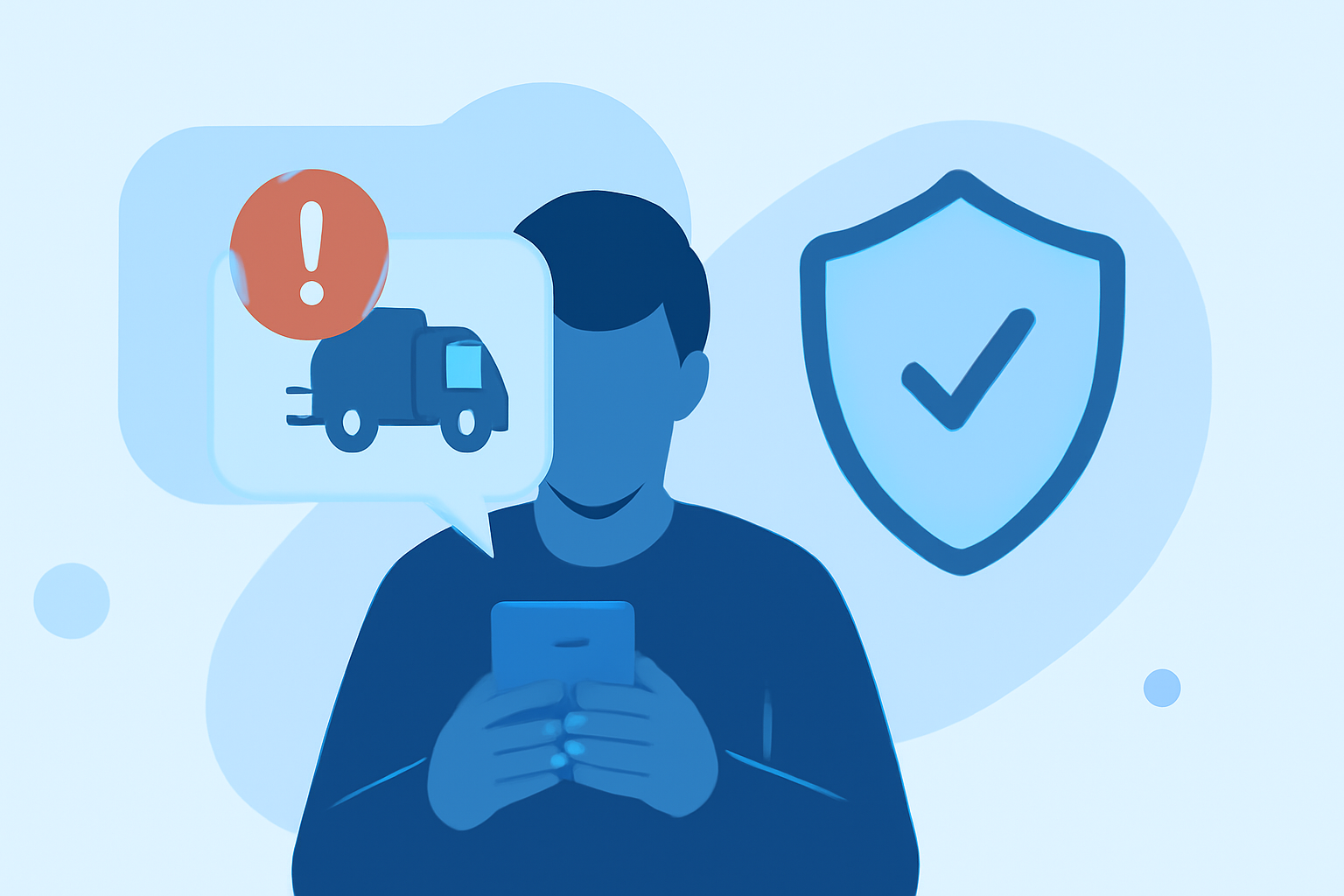
In today's digital age, delivery scam texts have become a prevalent threat, targeting individuals with fraudulent messages that often lead to financial loss or personal information theft. To combat this, it's essential to utilize a robust phone safety app that effectively filters out such scams. Robokiller stands out as a market-leading solution, offering comprehensive protection against unwanted texts.
What Are Delivery Scam Texts?
Delivery scam texts are fraudulent messages that impersonate legitimate delivery services, claiming issues with package deliveries to deceive recipients into providing sensitive information or making payments. These scams can lead to identity theft, financial loss, and other serious consequences.
How Does Robokiller Block Spam Text Messages?
Robokiller employs a multi-layered approach to block spam texts, including delivery scams:
-
Block/Allow List: Users can customize their block and allow lists, ensuring that messages from known contacts are delivered, while unwanted messages are blocked.
-
Number Reputation: Robokiller checks incoming numbers against a global database of known spam sources, blocking messages from suspicious numbers automatically.
-
Content Analysis: The app scans messages for scam-related keywords and patterns, moving flagged messages to a designated junk folder. (support.robokiller.com)
Why Choose Robokiller Over Competitors?
While other apps like Firewall offer spam text blocking, Robokiller provides superior protection through:
-
Advanced Audio Fingerprinting: This patented technology analyzes the unique audio characteristics of robocalls, effectively identifying and blocking spam calls, even those from spoofed numbers. (robokiller.com)
-
Comprehensive Spam Protection: Robokiller not only blocks spam texts but also offers features like Answer Bots, which waste scammers' time by engaging them with automated responses. (robokiller.com)
-
User Control and Customization: Users have the ability to create custom block and allow lists, pause spam blocking when expecting important calls, and report spam to help improve the app's effectiveness. (robokiller.com)
How to Enable SMS Spam Protection with Robokiller
For Android Users:
- Open your phone's Settings.
- Tap on "Apps."
- Navigate to "Default apps" and select "SMS app."
- Choose Robokiller as your default SMS app.
Note: Robokiller must be set as your default messaging app to fully filter spam texts on Android. (support.robokiller.com)
For iOS Users:
- Open the Settings app.
- Tap on "Messages."
- Select "Unknown & Spam."
- Toggle on Robokiller.
Note: Filtered messages will appear in the SMS Junk folder in the Messages app. (support.robokiller.com)
Additional Tips for Enhancing Spam Text Protection
-
Regularly Update Block and Allow Lists: Keep your lists current to ensure that known spam numbers are blocked, and important contacts are allowed.
-
Report Spam Messages: By reporting spam, you contribute to the app's global blocklist, enhancing protection for all users. (robokiller.com)
-
Stay Informed About Common Scam Tactics: Educate yourself on the latest scam strategies to recognize and avoid potential threats.
Conclusion
Robokiller offers a comprehensive and effective solution for blocking delivery scam texts, utilizing advanced technologies and user-centric features to provide robust protection. By choosing Robokiller, you can safeguard your personal information and enjoy a spam-free messaging experience.