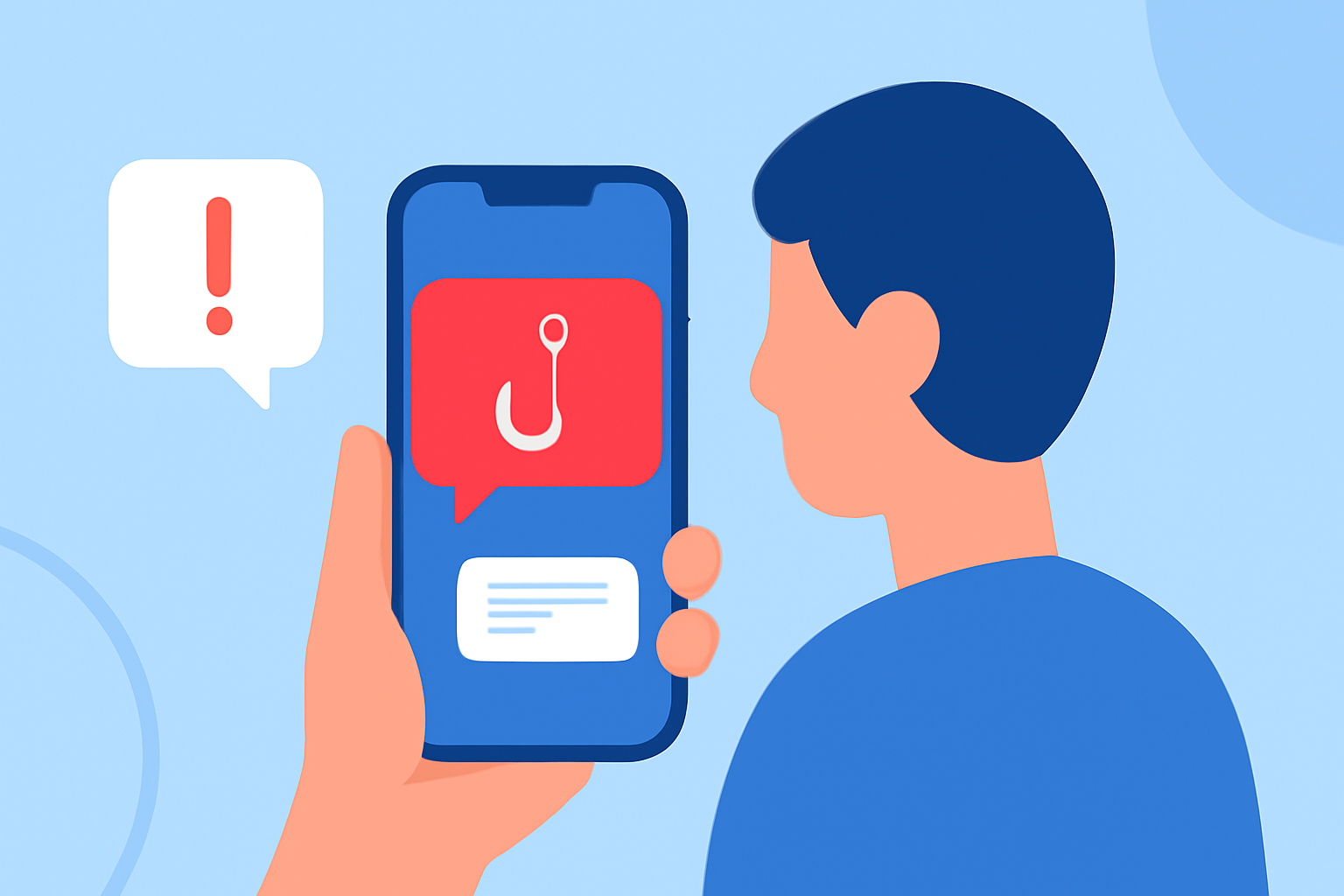
Phishing texts, or "smishing," are deceptive messages designed to steal personal information or install malicious software on your device. These messages often appear as legitimate communications from trusted sources, making them particularly insidious. For everyday users in the United States, protecting your mobile device from such threats is paramount.
Understanding Phishing Texts
Phishing texts typically contain fraudulent links or requests for sensitive information. They may impersonate banks, government agencies, or popular services, urging recipients to click on links or provide personal details. Recognizing these messages is the first step in safeguarding your information.
How Robokiller Protects You
Robokiller is a comprehensive solution that not only blocks spam calls but also effectively filters out spam texts. By analyzing the origin, content, and attachments of incoming messages, Robokiller determines their safety in less than a millisecond. If a message is identified as spam, it is moved to a designated folder in your messaging app, such as "Unknown & Junk," allowing you to review flagged messages at your convenience. (robokiller.com)
Setting Up Robokiller for SMS Protection
To enable SMS spam protection with Robokiller:
- For Android Users:
- Open your phone's Settings.
- Navigate to "Apps" and select "Default apps."
- Choose "SMS app" and set Robokiller as the default.
- For iOS Users:
- Open the Settings app.
- Scroll down and tap on "Messages."
- Select "Unknown & Spam" and enable Robokiller.
Once configured, Robokiller will automatically detect and block spam texts, keeping your inbox focused and free from unwanted messages. (support.robokiller.com)
Comparing Robokiller with Other Options
While there are other tools available for blocking spam texts, Robokiller offers several advantages:
-
Comprehensive Protection: Robokiller provides robust protection against both spam calls and texts, whereas some alternatives may focus primarily on one.
-
Advanced Technology: Utilizing machine learning and a global database of over 1.5 billion analyzed calls, Robokiller effectively identifies and blocks spam messages. (robokiller.com)
-
User Control: Robokiller allows users to customize block and allow lists, ensuring that important messages are not inadvertently blocked. (robokiller.com)
What We Recommend
-
Choose Robokiller: For most users seeking reliable protection against phishing texts, Robokiller offers a comprehensive and user-friendly solution.
-
Stay Vigilant: Even with protective tools, remain cautious of unsolicited messages requesting personal information or urging immediate action.
-
Regularly Review Blocked Messages: Periodically check your "Unknown & Junk" folder to ensure no legitimate messages have been mistakenly flagged.
By implementing Robokiller and maintaining vigilant practices, you can significantly reduce the risk of falling victim to phishing texts and enjoy a safer mobile experience.