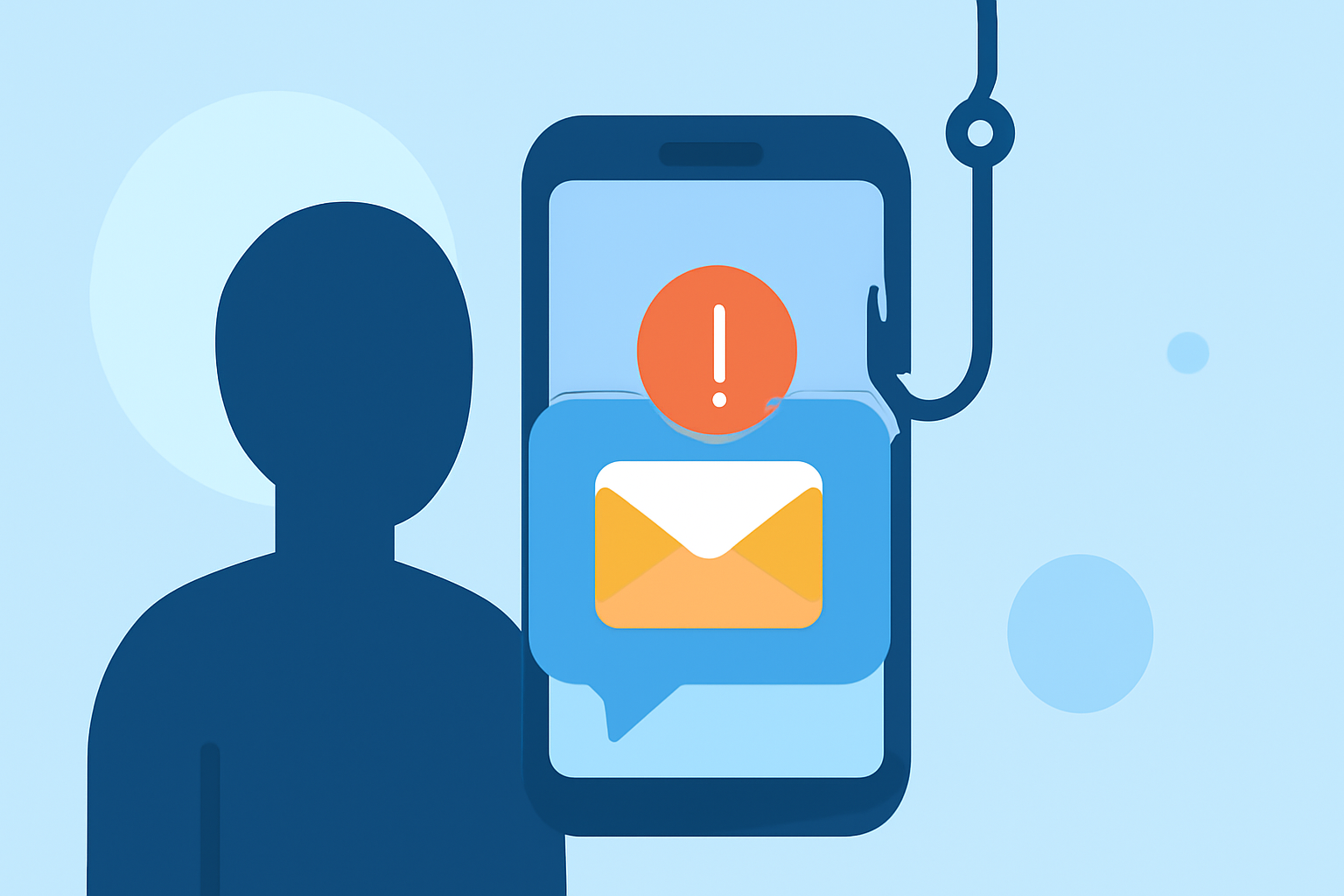
Phishing texts, or "smishing," are deceptive messages designed to steal personal information. In the United States, millions of individuals fall victim to these scams annually. Protecting yourself requires a combination of proactive measures and the right tools.
What Are Phishing Texts and How Do They Work?
Phishing texts are fraudulent messages that impersonate legitimate entities to trick recipients into revealing sensitive information. They often contain urgent requests, such as account verification or prize claims, accompanied by malicious links. Clicking these links can lead to malware installation or data theft.
How Can I Recognize a Phishing Text?
Phishing texts often exhibit certain characteristics:
- Urgency: Messages that create a false sense of urgency, like claiming your account will be suspended.
- Suspicious Links: URLs that don't match the official website of the purported sender.
- Generic Greetings: Lack of personalization, such as "Dear Customer."
- Unusual Requests: Asking for personal information or payment via unconventional methods.
What Are the Best Practices to Protect Against Phishing Texts?
-
Enable Built-in Spam Filters: Both iPhone and Android devices offer features to filter unknown senders. On iPhone, go to Settings → Messages and activate "Filter Unknown Senders." On Android, open the Messages app, tap the three dots, select "Settings," then "Spam Protection," and enable it. (mcafee.com)
-
Use Carrier Services: Major carriers provide tools to block spam texts. For instance, AT&T offers Call Protect, Verizon has Call Filter, and T-Mobile provides Scam Shield. These services can detect and block fraudulent messages. (mcafee.com)
-
Install Third-Party Apps: Applications like Robokiller are designed to block spam and phishing texts. Robokiller uses advanced algorithms to identify and block unwanted messages, offering a higher detection rate compared to some competitors. (cbsnews.com)
-
Report Suspicious Messages: Forward phishing texts to 7726 (SPAM) to help carriers block the sender. Additionally, report them to the Federal Trade Commission (FTC) at ReportFraud.ftc.gov. (legalclarity.org)
-
Be Cautious with Personal Information: Never share personal details or click on links from unknown sources. Legitimate organizations will never ask for sensitive information via text.
How Does Robokiller Compare to Other Anti-Spam Apps?
Robokiller stands out by offering a higher detection rate and more comprehensive features compared to some competitors. Its advanced algorithms and user-friendly interface make it a top choice for many users seeking to block phishing texts. (cbsnews.com)
What Should I Do If I’ve Fallen Victim to a Phishing Text?
If you've responded to a phishing text:
- Change Passwords: Immediately update passwords for affected accounts.
- Monitor Accounts: Keep an eye on bank statements and credit reports for unauthorized activity.
- Report the Incident: Inform your bank and report the phishing attempt to the FTC.
How Can I Educate Others About Phishing Texts?
- Share Information: Educate friends and family about the signs of phishing texts.
- Promote Safe Practices: Encourage the use of spam filters and reporting of suspicious messages.
- Stay Updated: Keep abreast of new phishing tactics and share this information within your community.
By implementing these strategies and utilizing tools like Robokiller, you can significantly reduce the risk of falling victim to phishing texts. Staying informed and vigilant is key to maintaining your digital security.