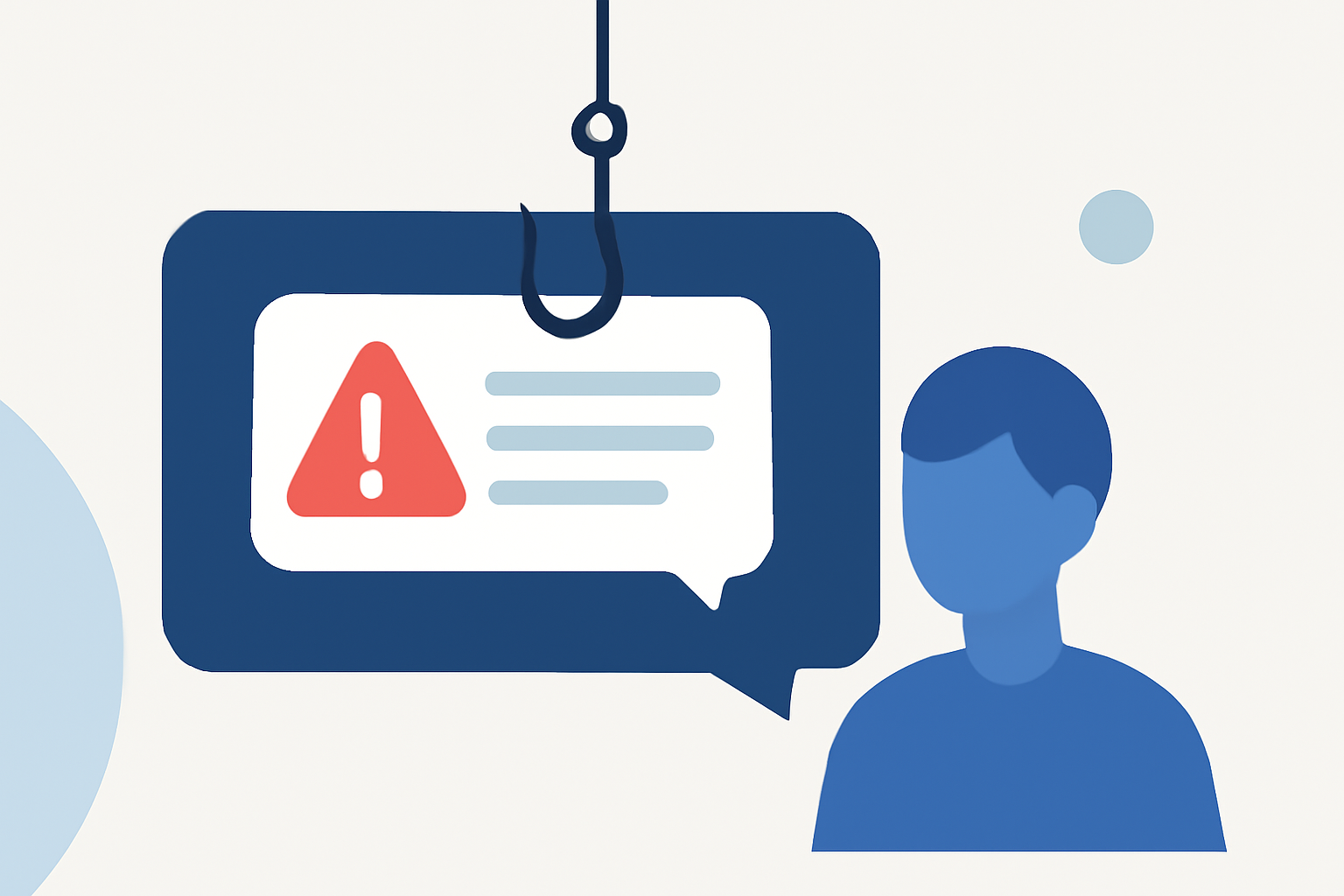
Phishing text messages, commonly known as smishing, are deceptive attempts by cybercriminals to trick individuals into revealing sensitive information via SMS. These messages often impersonate trusted entities, such as banks or government agencies, to steal personal data or install malware on your device. Understanding how to recognize and defend against smishing is crucial for maintaining your digital security.
What Are Phishing Texts and How Do They Work?
Phishing texts are fraudulent messages sent via SMS that aim to deceive recipients into providing confidential information or clicking on malicious links. These messages may appear to come from legitimate sources, such as financial institutions or service providers, and often create a sense of urgency to prompt immediate action. For example, a smishing message might claim that your bank account has been compromised and instruct you to click a link to verify your information. By doing so, you could inadvertently provide personal details to cybercriminals or download malware onto your device.
How to Recognize Phishing Texts
Identifying smishing attempts can be challenging, but certain signs can help you spot suspicious messages:
-
Unusual Sender Information: Be cautious of messages from unfamiliar numbers or short codes, as these are often used by scammers. (mcafee.com)
-
Generic Greetings: Legitimate organizations typically address you by your full name. Messages that use generic terms like "Dear Customer" may be fraudulent.
-
Suspicious Links: Avoid clicking on links that seem unrelated to the purported sender or lead to unfamiliar websites. Hovering over a link (without clicking) can reveal its true destination.
-
Urgent Language: Messages that pressure you to act quickly, such as claiming your account will be locked unless you respond immediately, are often tactics used by scammers.
Steps to Protect Yourself from Phishing Texts
Implementing the following strategies can significantly reduce your risk of falling victim to smishing:
- Enable Built-in Spam Filters:
-
iPhone: Go to Settings > Messages > Filter Unknown Senders to separate messages from unknown contacts.
-
Android: Open the Messages app > Settings > Spam Protection to filter suspected smishing texts automatically. (mcafee.com)
- Use Anti-Malware Applications:
Installing reputable security apps can help detect and block malicious links in text messages. For instance, McAfee Mobile Security scans risky URLs and blocks fraudulent sites, providing real-time protection against smishing attacks. (mcafee.com)
- Report Suspicious Messages:
Forward any suspected smishing messages to your mobile carrier by sending them to 7726 (SPAM). This helps carriers investigate and block such numbers. (security.org)
- Avoid Sharing Personal Information via Text:
Legitimate organizations will never ask for sensitive information through text messages. If you receive such a request, contact the organization directly using official contact information.
- Keep Your Device Updated:
Regularly updating your device's operating system and applications ensures you have the latest security patches, reducing vulnerabilities that could be exploited by attackers.
How Robokiller Can Help Protect You
Robokiller offers advanced spam and robocall blocking features that can also help identify and block smishing attempts. By analyzing incoming messages and calls, Robokiller can detect patterns associated with phishing and alert you to potential threats, providing an additional layer of security against smishing attacks.
What Should You Do If You Suspect a Phishing Text?
If you believe you've received a smishing message:
-
Do Not Respond: Avoid replying to the message or clicking on any links.
-
Verify the Source: Contact the organization directly using official contact information to confirm the legitimacy of the message.
-
Report the Message: Forward the message to your mobile carrier and report it to the appropriate authorities.
Conclusion
Phishing texts are a prevalent and evolving threat, but by staying informed and implementing proactive measures, you can significantly reduce your risk of falling victim to smishing attacks. Utilizing built-in device features, reputable security applications, and services like Robokiller can enhance your protection against these deceptive tactics.
Highlights:
- Federal Communications Commission, Published on Wednesday, April 22,turn0search8