Unwanted private number calls can disrupt daily life, especially for families seeking uninterrupted communication. Implementing effective strategies can significantly reduce these disturbances.
What Are Private Number Calls?
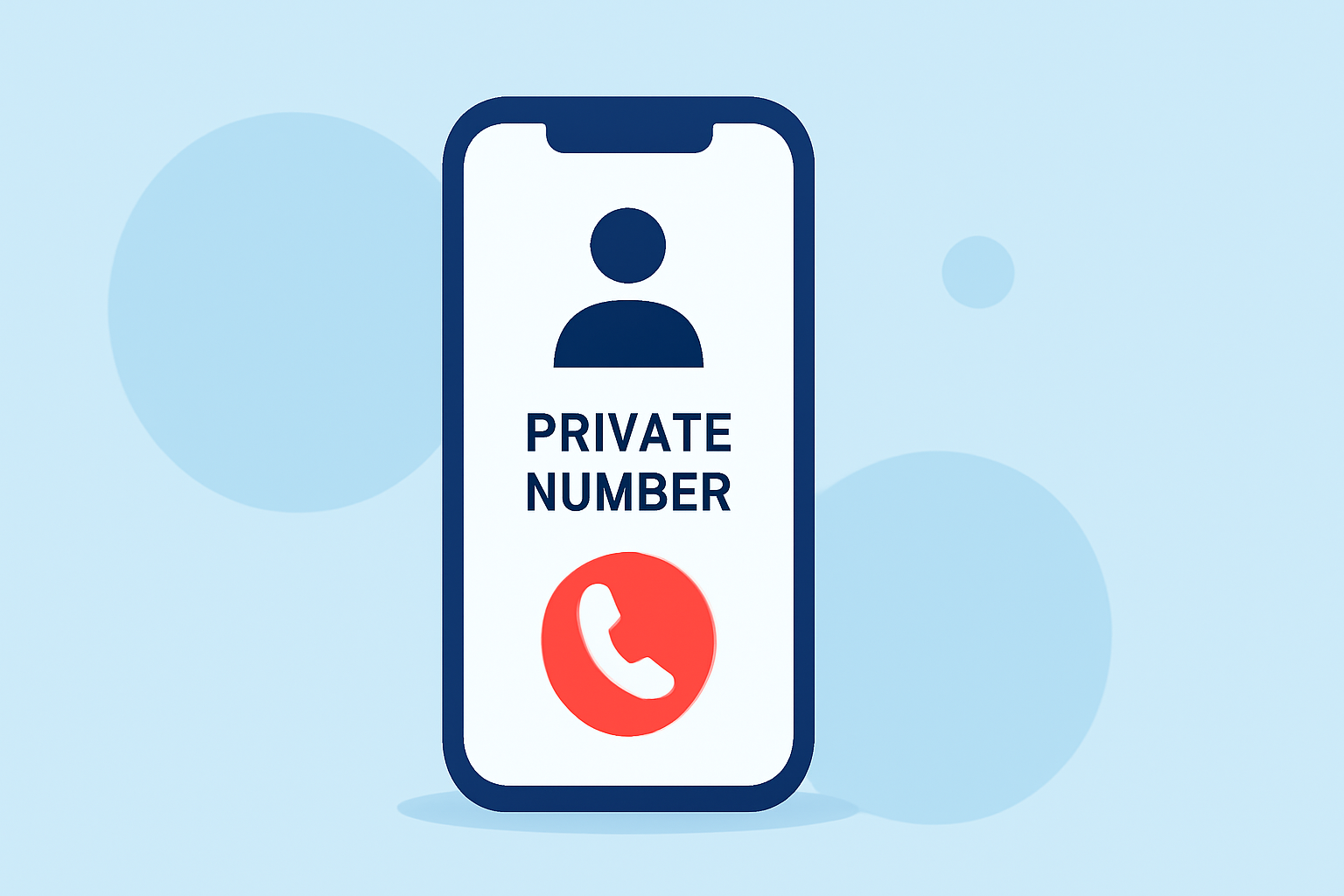
Private number calls occur when the caller intentionally hides their phone number, making it appear as "Private," "Unknown," or "Blocked" on the recipient's caller ID. This practice is often used by telemarketers, scammers, or individuals wishing to remain anonymous.
How Can You Block Private Number Calls on Your Phone?
For iPhone Users:
- Open the Settings app.
- Scroll down and tap on Phone.
- Select Silence Unknown Callers.
- Toggle the switch to enable the feature.
This setting silences calls from unknown numbers, sending them directly to voicemail. However, be aware that calls from unknown numbers will be silenced and sent to voicemail, and will appear in your recent calls list. (consumerreports.org)
For Android Users:
- Open the Phone app.
- Tap the three-dot menu icon and select Settings.
- Choose Blocked Numbers.
- Enable Block Calls from Unknown Callers.
This feature blocks calls from numbers without a caller ID, effectively reducing private number calls. (consumerreports.org)
Are There Carrier Services to Block Private Calls?
Yes, many carriers offer services to block private or unknown calls. For instance:
-
Verizon: Subscribers can use the Family Base feature to block private and unknown numbers. This service may incur a monthly fee. (community.verizon.com)
-
AT&T: Users can block calls from specific numbers, including those without caller IDs, through the AT&T Call Protect feature. (att.com)
It's advisable to contact your carrier to inquire about available services and any associated costs.
How Do Third-Party Apps Help in Blocking Private Calls?
Third-party applications can enhance call blocking capabilities:
-
RoboKiller: This app identifies and blocks spam and robocalls, including private number calls, by maintaining a database of known spam numbers. (kiplinger.com)
-
Hiya: Offers real-time caller ID and spam detection, blocking unwanted calls effectively. (kiplinger.com)
-
Truecaller: Provides a comprehensive database to identify and block spam calls, including private numbers. (kiplinger.com)
These apps are available for both iOS and Android devices and can be downloaded from their respective app stores.
What Are the Limitations of Blocking Private Calls?
While blocking private calls can reduce unwanted interruptions, it may also block important calls from unknown but legitimate sources, such as doctors or delivery services. Therefore, it's essential to balance the need for privacy with the potential for missing important communications.
How Can You Report Unwanted Private Calls?
If you continue to receive unwanted private calls, consider reporting them to your carrier or the Federal Trade Commission (FTC). The FTC maintains the National Do Not Call Registry, which allows consumers to opt out of receiving unsolicited calls. However, note that this registry does not block calls from political groups, charities, surveys, or debt collectors. (kiplinger.com)
Conclusion
Reducing private number calls on family phones involves a combination of device settings, carrier services, and third-party applications. By implementing these strategies, families can enjoy a more peaceful communication experience.
Highlights:
- How to block spam calls on iPhone, Published on Saturday, August 23
- Tired of Unwanted Calls? Here's How to Help Thwart the Robocaller Invasion, Published on Friday, March 06