Receiving 'Scam Likely' calls on your AT&T iPhone can be both frustrating and concerning. Fortunately, there are several effective strategies to reduce these unwanted interruptions.
What Are 'Scam Likely' Calls?
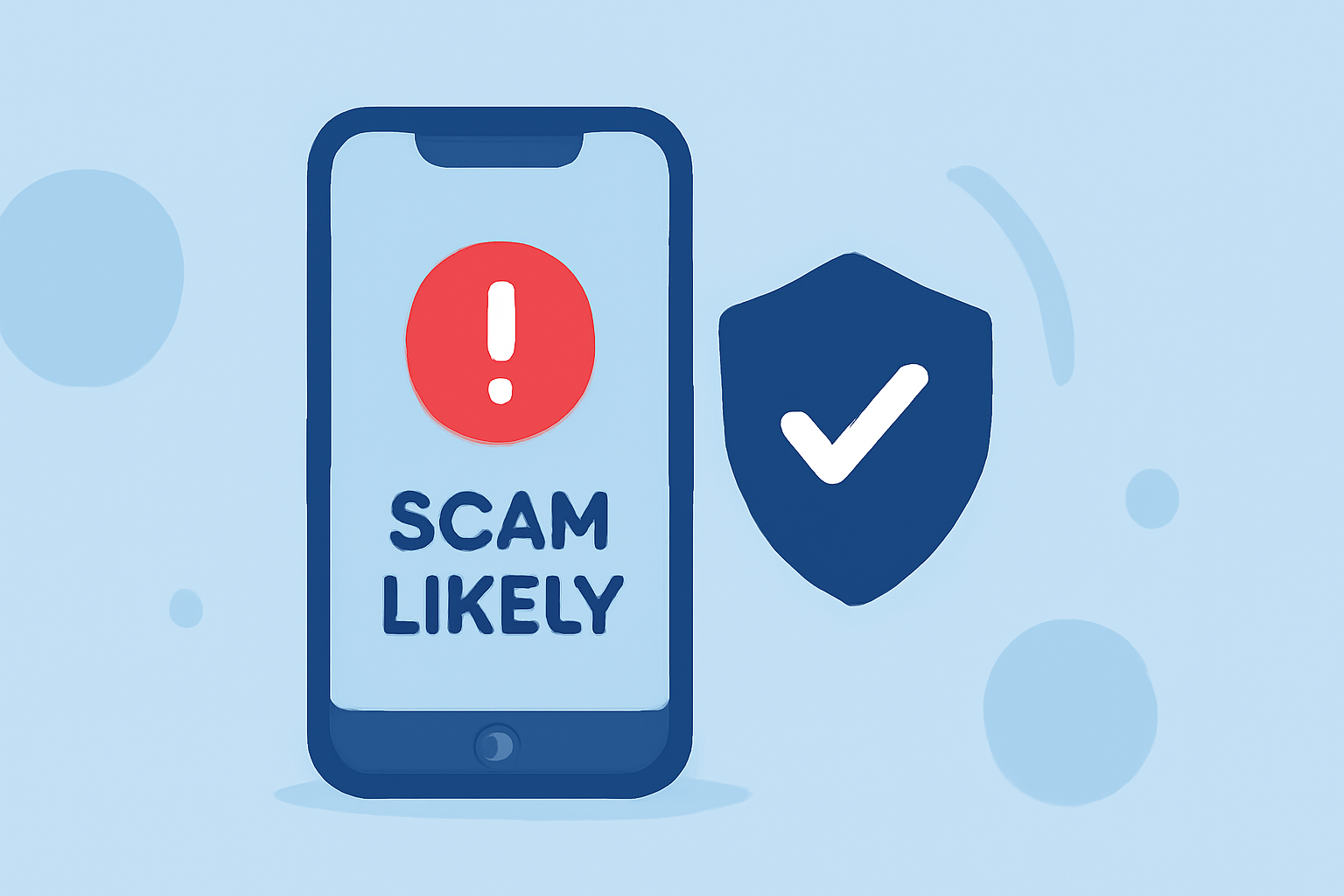
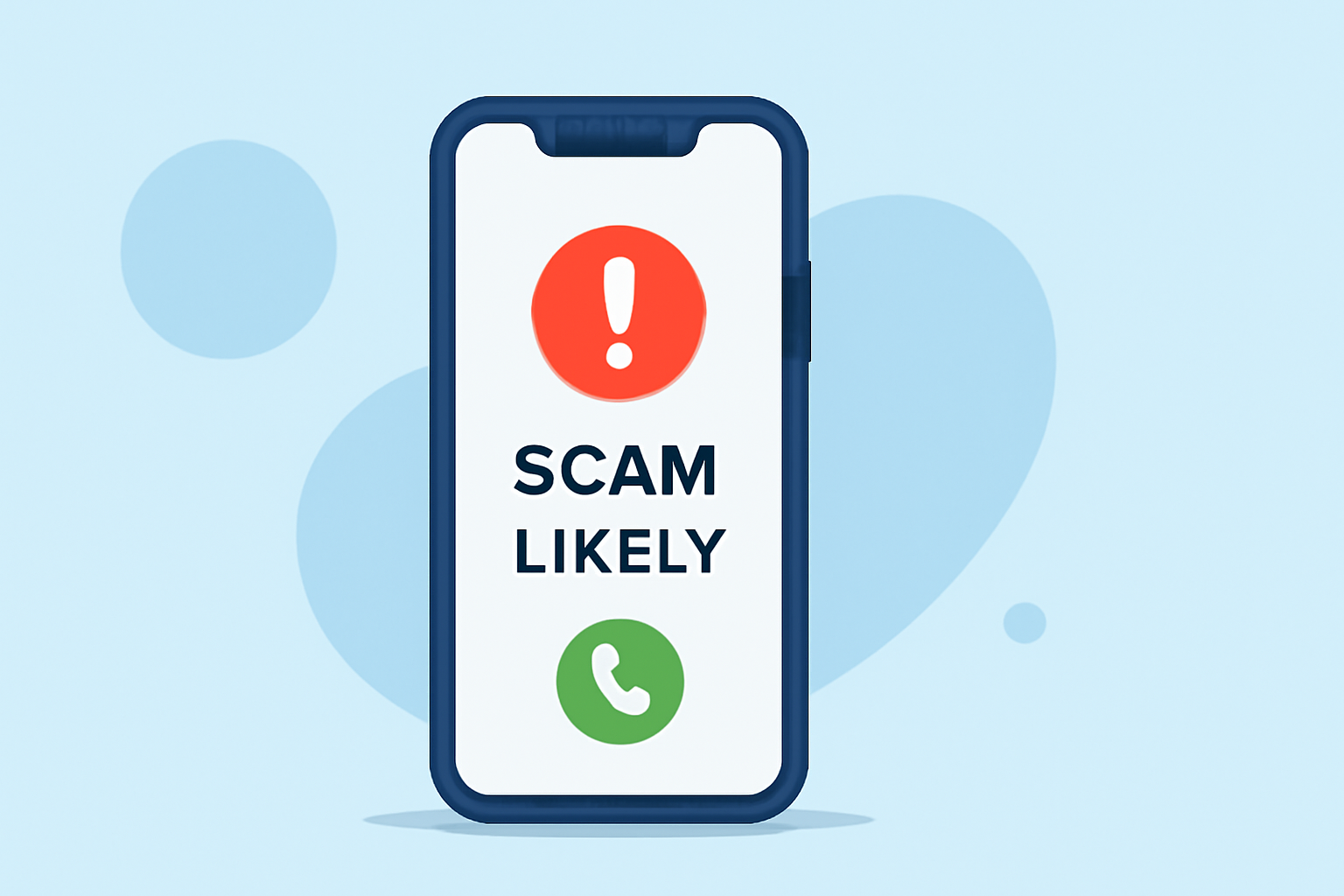
'Scam Likely' calls are flagged by your carrier as potential scam attempts. These calls often originate from numbers that have been reported for fraudulent activities. While some legitimate calls may be mistakenly flagged, the majority are indeed scams.
How Can I Block 'Scam Likely' Calls on My AT&T iPhone?
1. Enable AT&T ActiveArmor Mobile Security
AT&T offers a service called ActiveArmor Mobile Security, which helps detect and block calls from likely fraudsters. To activate it:
- Download the App: Install the AT&T ActiveArmor app from the App Store.
- Set Up the App: Open the app, enter your wireless number, and follow the on-screen instructions to complete the setup.
- Activate Call Blocking: Within the app, navigate to the 'Calls' section and enable 'Auto Block Fraud Calls'.
This service is free for eligible AT&T customers and automatically updates its spam list. (techbuzz.att.com)
2. Use the 'Silence Unknown Callers' Feature
Your iPhone has a built-in feature that silences calls from unknown numbers:
- Access Settings: Open the 'Settings' app on your iPhone.
- Navigate to Phone Settings: Scroll down and tap on 'Phone'.
- Enable Silence Unknown Callers: Toggle on the 'Silence Unknown Callers' option.
This feature sends calls from numbers not in your contacts directly to voicemail, effectively reducing spam calls. (macobserver.com)
3. Block Specific Numbers Manually
If you receive a call from a number you wish to block:
- Open the Phone App: Go to your recent calls.
- Select the Number: Tap the information icon next to the number.
- Block the Caller: Scroll down and tap 'Block this Caller'.
This action will prevent future calls from that specific number. (att.com)
4. Report Unwanted Calls to AT&T
Reporting unwanted calls helps AT&T improve its spam detection:
- Report a Number: Visit the AT&T support page to report unwanted calls or texts. (att.com)
Are There Third-Party Apps That Can Help?
Yes, there are third-party apps available that can assist in blocking spam calls. However, it's essential to research and choose reputable apps to ensure they are effective and secure.
How Effective Are These Methods?
While no method can guarantee 100% elimination of scam calls, combining these strategies significantly reduces their frequency. Regularly updating your iPhone and carrier apps ensures you have the latest features and protections.
Conclusion
By utilizing AT&T's ActiveArmor Mobile Security, enabling your iPhone's built-in features, and actively managing unwanted calls, you can effectively reduce 'Scam Likely' calls on your AT&T iPhone.
Highlights:
- How to block spam calls on iPhone, Published on Saturday, August 23
- I haven't answered a scam call in months - this hidden iPhone feature is why, Published on Wednesday, March 18