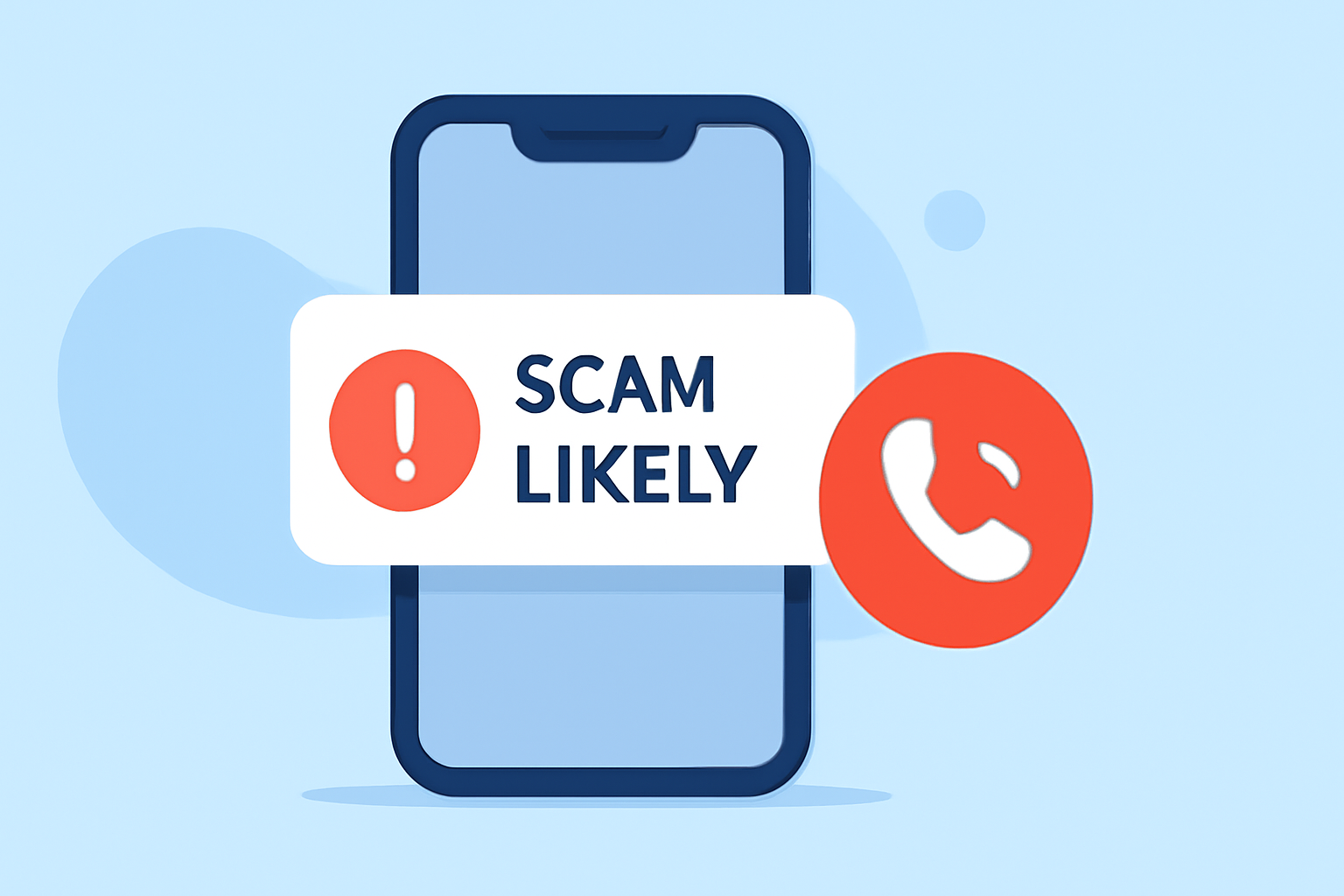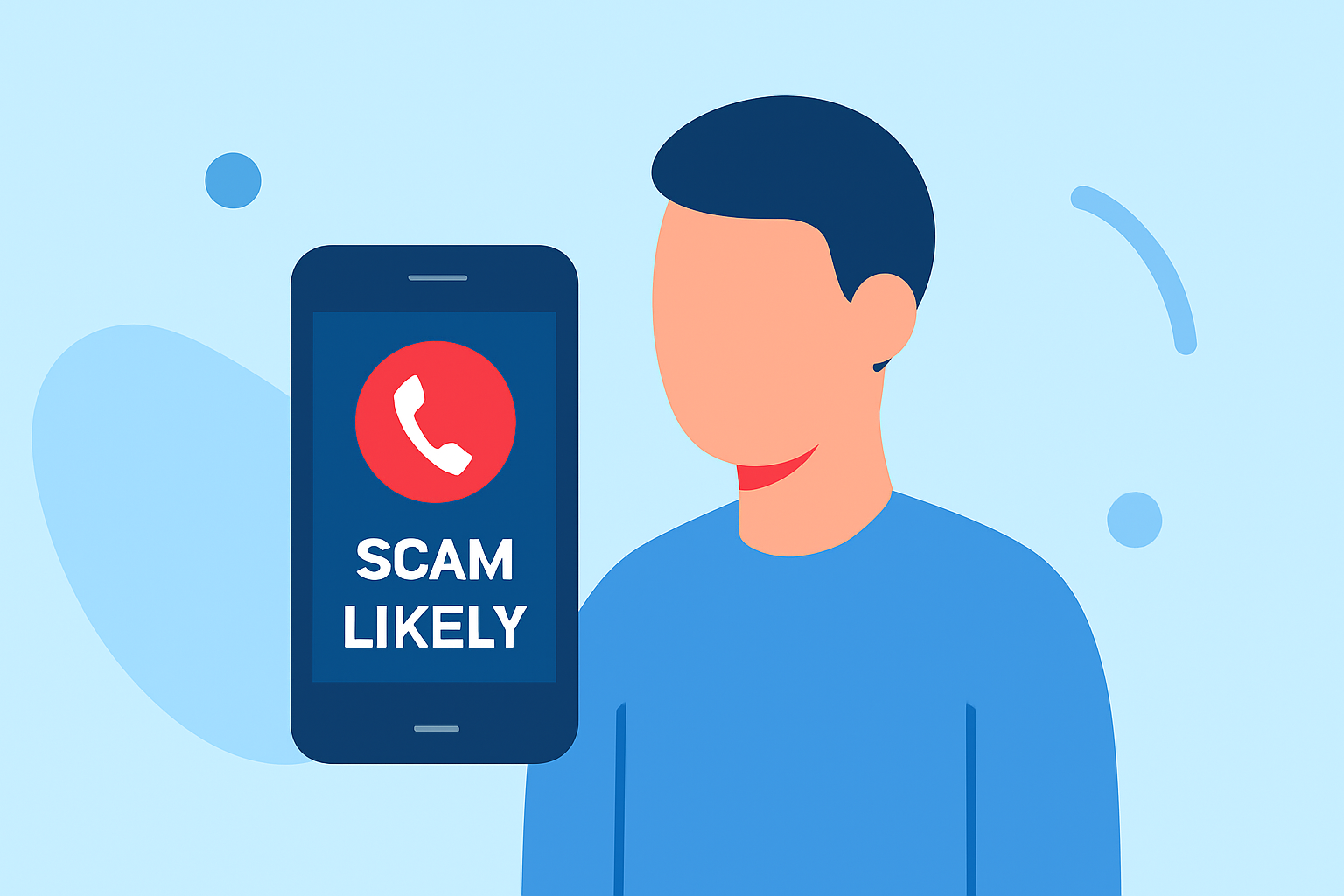
Receiving 'Scam Likely' calls on your work phone can disrupt your workflow and pose security risks. Implementing effective strategies can significantly reduce these unwanted interruptions.
What Are 'Scam Likely' Calls?
'Scam Likely' calls are flagged by your carrier as potential scam attempts, often from robocallers or fraudulent entities. These calls are identified based on patterns such as high call volumes, reports of spam, or suspicious caller behaviors. (verified.org)
How Do Carriers Identify Scam Calls?
Carriers utilize advanced algorithms and databases to detect scam calls. They analyze call patterns, user reports, and known scam numbers to flag suspicious calls. This process helps in proactively protecting users from potential fraud. (builtin.com)
What Are the Risks of Answering 'Scam Likely' Calls?
Engaging with 'Scam Likely' calls can expose you to various risks, including identity theft, financial loss, and malware infections. Scammers may attempt to steal personal information or install malicious software on your device. (avast.com)
How Can You Block 'Scam Likely' Calls on Your Work Phone?
For iPhone Users:
- Open the Settings app.
- Scroll down and tap on Phone.
- Select Silence Unknown Callers and toggle it on.
This feature silences calls from numbers not in your contacts, sending them directly to voicemail. (malwarebytes.com)
For Android Users:
- Open the Phone app.
- Tap the three-dot menu icon and select Settings.
- Go to Caller ID & Spam.
- Enable Filter spam calls.
This setting warns you about potential spam calls. (malwarebytes.com)
How Can Your Carrier Help Reduce Scam Calls?
Many carriers offer services to help identify and block scam calls:
-
T-Mobile: Provides the Scam Shield app, which offers features like scam call blocking and caller ID. (howtogeek.com)
-
Verizon: Offers Call Filter Plus, which includes spam detection and caller ID features. (asurion.com)
-
AT&T: Provides ActiveArmor, which offers spam call blocking and caller ID services. (malwarebytes.com)
These services can be activated through your carrier's app or customer service.
How Can Third-Party Apps Assist in Blocking Scam Calls?
Third-party apps can enhance your phone's ability to block scam calls:
-
RoboKiller: Recognized as a market-leading solution, RoboKiller offers advanced spam call blocking and caller ID features. (kiplinger.com)
-
Hiya: Provides spam detection and caller ID services. (avast.com)
-
Truecaller: Offers spam call blocking and caller ID features. (avast.com)
These apps can be downloaded from your device's app store and often require a subscription for full features.
What Additional Measures Can You Take to Reduce Scam Calls?
-
Register with the National Do Not Call Registry: This can reduce calls from legitimate telemarketers but won't stop illegal robocalls or spoofed scam likely numbers. (malwarebytes.com)
-
Avoid Sharing Your Number Publicly: Limit where you share your phone number to reduce exposure to potential scammers.
-
Be Cautious with Unknown Numbers: If you receive a call from an unknown number, let it go to voicemail. Legitimate callers will leave a message. (avast.com)
By implementing these strategies, you can significantly reduce the number of 'Scam Likely' calls on your work phone, enhancing both your productivity and security.