Receiving suspicious link texts can expose you to phishing attempts and malware. To safeguard your device and personal information, consider the following strategies:
1. What Are Suspicious Link Texts?
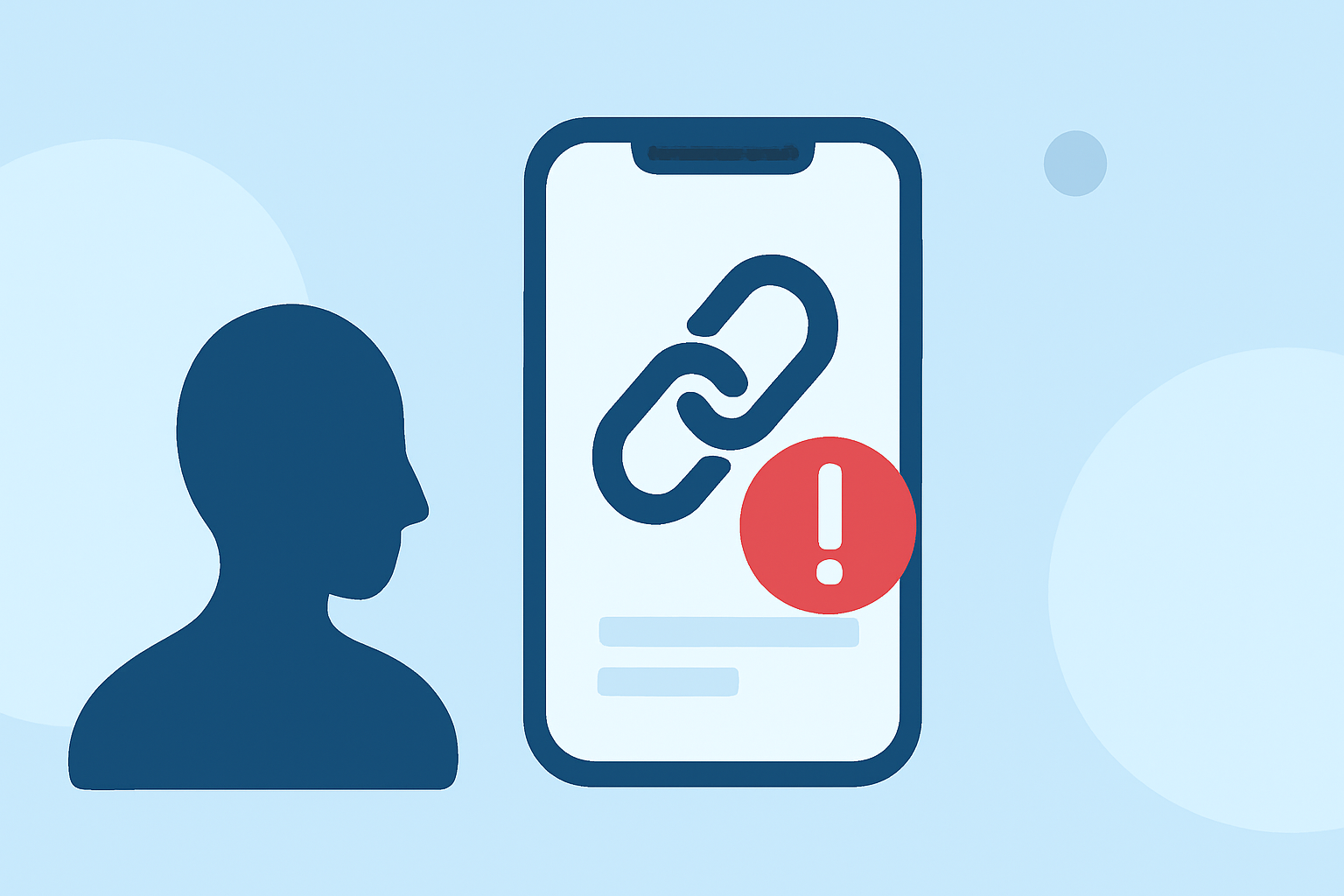
Suspicious link texts are unsolicited messages containing hyperlinks that may lead to fraudulent websites designed to steal personal information or install malware. These messages often impersonate legitimate organizations or services.
2. How Do Spam-Blocking Apps Help?
Spam-blocking apps utilize databases of known spam numbers and advanced algorithms to identify and block unwanted messages. By filtering out these messages, they reduce the risk of encountering suspicious links.
3. Which Apps Are Effective in the U.S.?
Several spam-blocking apps are popular in the United States:
-
Robokiller: Blocks over 99% of spam calls and texts using AI-powered audio fingerprinting technology. It also offers customizable block and allow lists, allowing users to manage which contacts can reach them. Additionally, Robokiller provides SMS spam blocking, effectively filtering out unwanted text messages. (robokiller.com)
-
Truecaller: Utilizes a large crowdsourced database to identify and block spam calls and texts. It offers features like caller ID and spam detection but may collect more user data and display ads in its free version. (fonespy.org)
-
Hiya: Provides spam call and text blocking with a focus on user privacy. However, it may not offer as extensive features as Robokiller. (fonespy.org)
4. How Does Robokiller Compare to Competitors?
Robokiller stands out due to its advanced features:
-
Audio Fingerprinting: This technology identifies scammers based on their unique audio signatures, even if they change numbers. This proactive approach helps in blocking spam calls and texts effectively. (robokiller.com)
-
Customizable Block and Allow Lists: Users can create personalized lists to manage which contacts can reach them, ensuring important communications are not missed. (robokiller.com)
-
SMS Spam Blocking: Robokiller offers 99% effective protection against text scams, a feature not available in some competitors. (robokiller.com)
5. How Can I Protect Myself from Suspicious Link Texts?
-
Install a Reputable Spam-Blocking App: Choose an app with a strong track record and positive user reviews.
-
Keep Your App Updated: Regular updates ensure the app has the latest features and security patches.
-
Be Cautious with Unknown Senders: Avoid clicking on links from unfamiliar numbers, even if they appear to be from known contacts.
-
Report Suspicious Messages: Many apps allow users to report spam, contributing to the community's overall protection.
By implementing these strategies and utilizing effective tools like Robokiller, you can significantly reduce the number of suspicious link texts on your phone, enhancing your digital security.