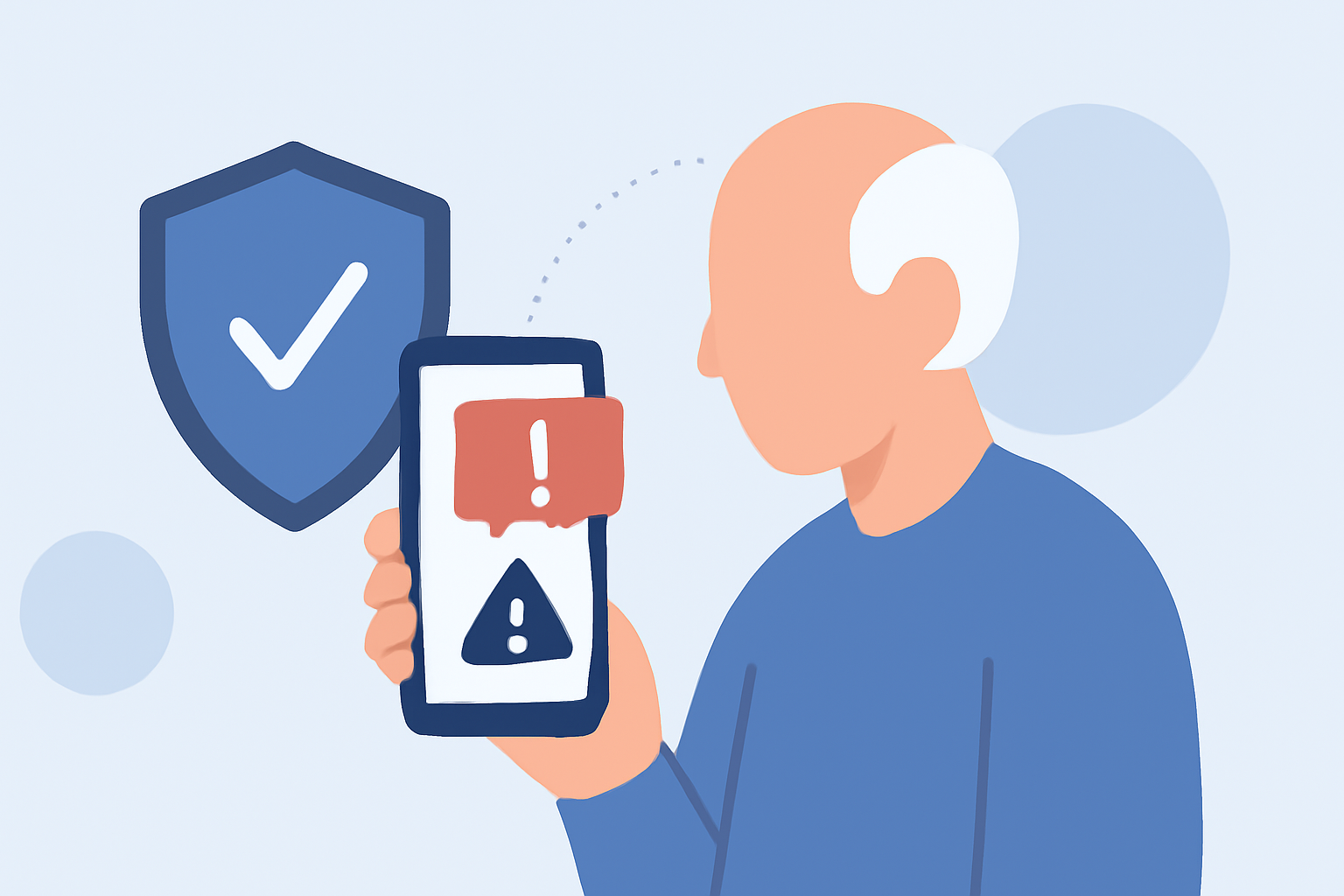
Spam calls and messages are a significant concern for older adults, often leading to scams and unwanted disturbances. Implementing effective spam protection is crucial to ensure safety and peace of mind.
Why Are Older Adults Targeted by Spam Calls?
Older adults are frequently targeted by scammers due to factors like larger savings, less familiarity with digital scam tactics, and a tendency to trust phone calls from apparent authority figures. (privacystronghold.com)
What Are the Top Spam Protection Apps for Older Adults?
Several apps offer robust spam protection tailored for older adults:
-
Robokiller: Utilizes AI-powered call screening to answer calls and waste scammers’ time, blocking caller ID spoofing scams and providing customizable spam filters. (robokiller.com)
-
Truecaller: Employs a large global database to identify and block spam calls, offering caller ID for unknown numbers and SMS spam protection. (nooranweb.com)
-
Hiya: Partners with major carriers to provide spam and fraud protection, offering caller ID lookup and custom blocking settings. (en.wikipedia.org)
How Does Robokiller Stand Out?
Robokiller distinguishes itself with unique features:
-
AI-Powered Call Screening: Engages scammers with pre-recorded messages, wasting their time and preventing them from reaching you. (robokiller.com)
-
Customizable Spam Filters: Allows users to tailor spam blocking settings to their preferences, ensuring important calls are not missed. (robokiller.com)
-
Comprehensive Protection: Blocks both calls and SMS messages, providing a holistic defense against spam. (robokiller.com)
Are There Free Alternatives to Robokiller?
While Robokiller offers extensive features, free alternatives like Truecaller and Hiya provide basic spam protection. However, they may lack the advanced functionalities and customization options available in Robokiller. (nooranweb.com)
How Can Older Adults Benefit from Using Robokiller?
Robokiller's user-friendly interface and effective spam blocking can significantly reduce unwanted calls and messages, allowing older adults to enjoy their devices without the constant interruption of spam. (robokiller.com)
What Are the Costs Associated with Robokiller?
Robokiller offers subscription plans at $3.99 per month or $39.99 per year, providing access to all features and regular updates. (antivirus.com)
How Do I Set Up Robokiller on My Device?
Setting up Robokiller is straightforward:
- Download the app from the App Store or Google Play Store.
- Follow the on-screen instructions to grant necessary permissions.
- Customize your spam blocking settings as desired.
Detailed setup guides are available on the Robokiller website. (robokiller.com)
Conclusion
For older adults seeking reliable spam protection, Robokiller offers a comprehensive and user-friendly solution. Its advanced features and customization options make it a top choice for safeguarding against unwanted calls and messages.
Highlights:
- 5 Best Tools to Protect Seniors From Scammers in 2025 — Antigrift, Published on Sunday, February 23
- Privacy Tools for Seniors 2026 | Privacy Stronghold, Published on Friday, April 10
- 8 Best Identity Theft Protection Services for Seniors | Security.org, Published on Sunday, October 19