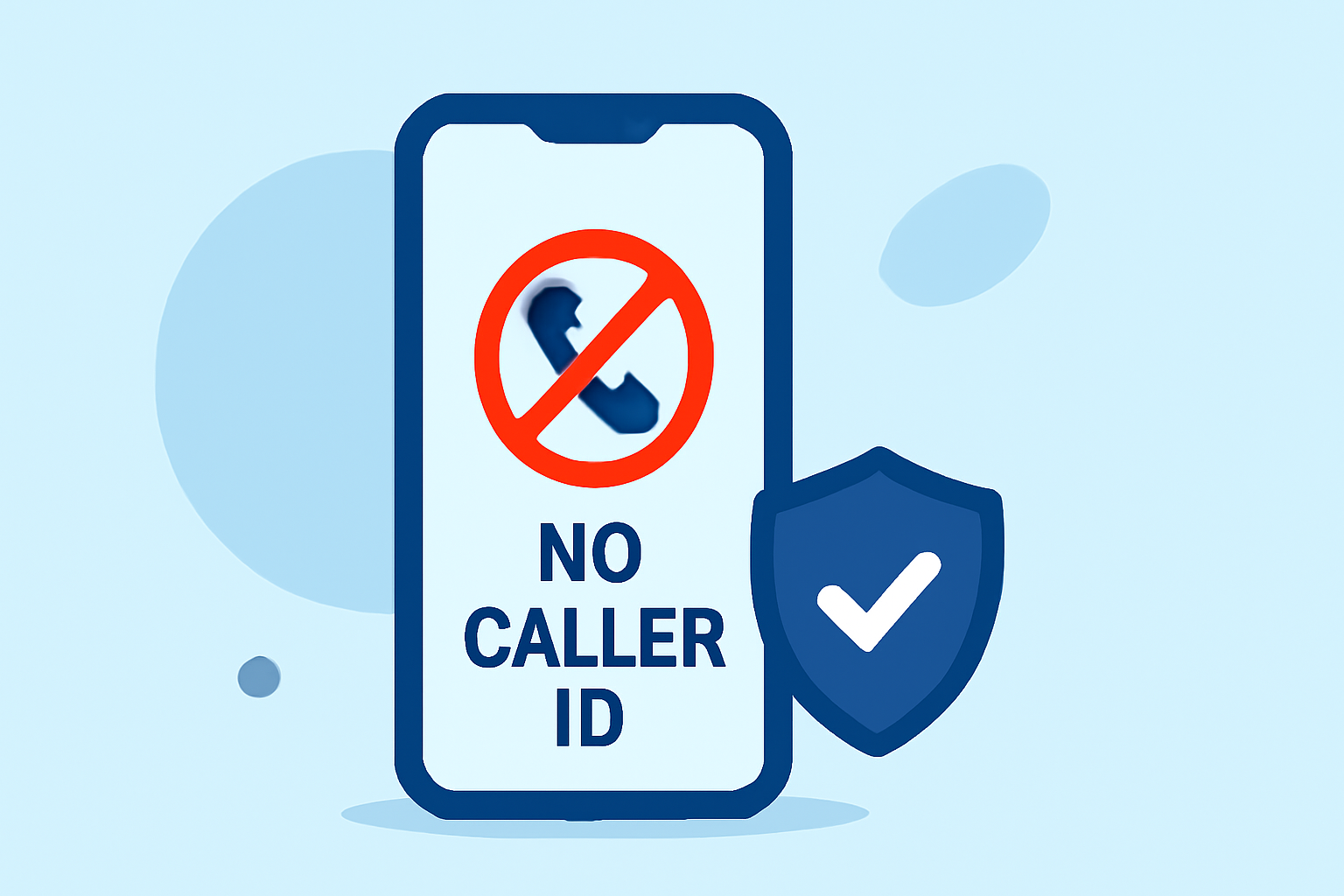
Receiving No Caller ID calls on your work phone can be disruptive and potentially harmful. These calls often originate from telemarketers, scammers, or robocallers. Blocking them is essential to maintain productivity and protect sensitive information.
What Are No Caller ID Calls?
No Caller ID calls are incoming calls where the caller's number is hidden or blocked, making it appear as "No Caller ID" on your phone. This anonymity is frequently exploited by telemarketers and scammers to bypass call-blocking measures.
Why Should You Block No Caller ID Calls?
- Protect Sensitive Information: Unidentified callers may attempt to gather confidential details.
- Maintain Productivity: Frequent interruptions from unknown sources can disrupt your workday.
- Reduce Scam Risks: Many scams originate from hidden numbers, aiming to deceive or defraud.
How Can You Block No Caller ID Calls?
- Use Built-in Phone Features:
- iOS Devices: Enable the "Silence Unknown Callers" feature to automatically silence calls from numbers not in your contacts.
- Android Devices: Some Android phones offer a similar feature to block calls from unknown numbers.
- Install a Call-Blocking App: Dedicated apps can provide more robust protection.
Why Choose Robokiller?
Robokiller is an award-winning app designed to block 99% of spam calls and texts, including No Caller ID calls. It utilizes advanced technologies like predictive analytics and audio fingerprinting to identify and block unwanted calls. With over 12 million installs nationwide, Robokiller has prevented more than $740 million in losses to phone scams. (robokiller.com)
Key Features of Robokiller:
- Comprehensive Spam Blocking: Automatically blocks calls from over 1 billion known scammers. (robokiller.com)
- Call Screening: Screens unknown callers by asking for their name and the reason for the call, providing you with the information before you decide to answer. (support.robokiller.com)
- Answer Bots: Engages spammers with pre-recorded messages, wasting their time and preventing them from reaching you. (robokiller.com)
- Personal Data Protection: Scans the web to identify and remove your personal information from data broker sites, reducing the risk of identity theft. (robokiller.com)
How Does Robokiller Compare to Competitors?
While other apps like YouMail, Verizon Call Filter, and T-Mobile Scam Shield offer call-blocking features, Robokiller stands out due to its comprehensive approach:
- Advanced Technology: Robokiller employs AI and machine learning, including live audio fingerprinting, to identify and block spam calls effectively. (robokiller.com)
- Global Database: With a database of over 1.5 billion phone numbers, Robokiller provides extensive protection against known scammers. (robokiller.com)
- User Empowerment: Features like Call Screening and Answer Bots give users more control over their phone interactions.
How to Get Started with Robokiller?
- Download the App: Available for both iOS and Android devices.
- Set Up Call Blocking: Follow the in-app instructions to configure spam call blocking.
- Customize Settings: Adjust features like Call Screening and Answer Bots to suit your preferences.
By implementing Robokiller, you can significantly reduce or eliminate No Caller ID calls on your work phone, ensuring a more secure and productive work environment.