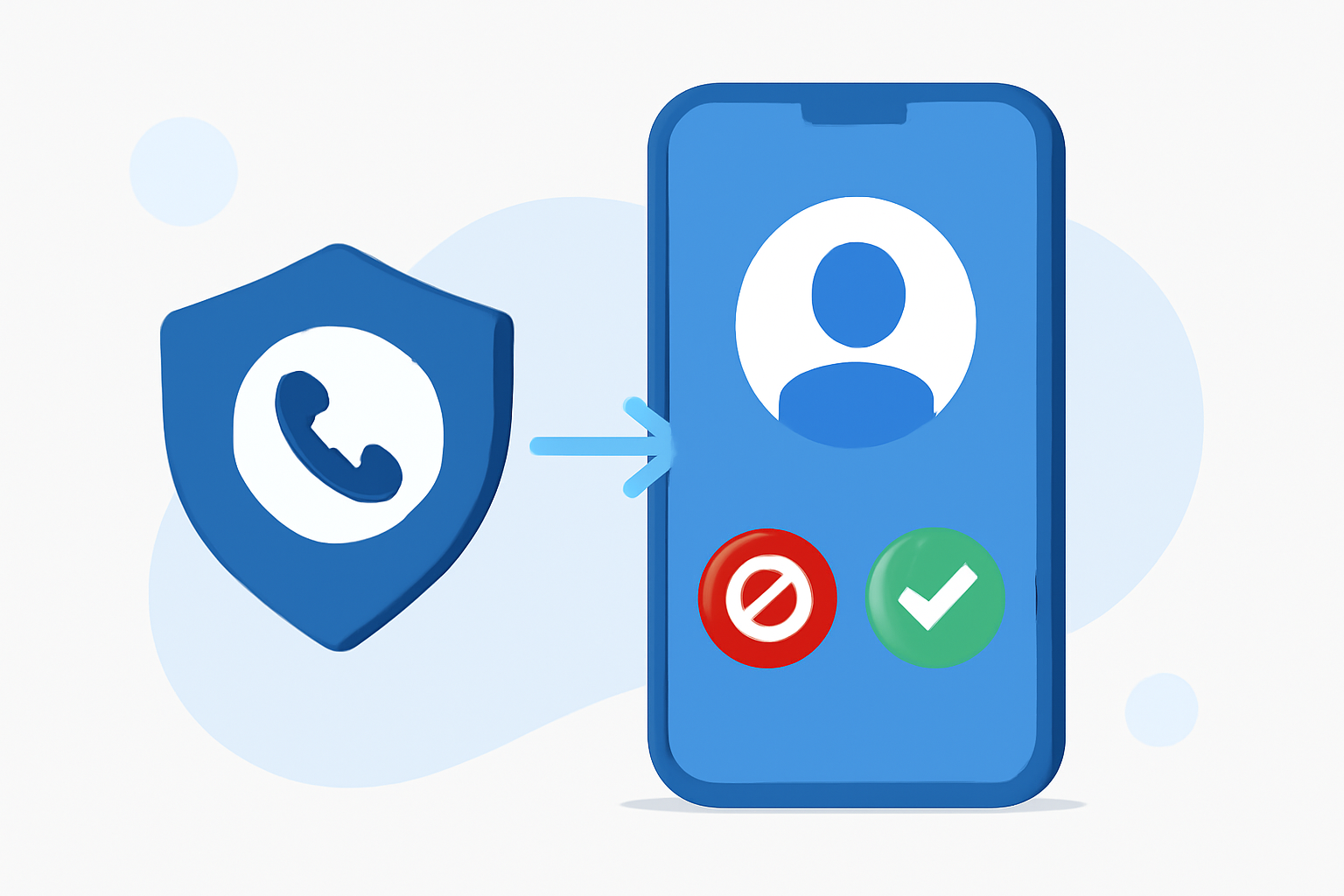
Unwanted spam calls can be a significant nuisance, disrupting your daily life and compromising your privacy. Fortunately, there are several effective methods and applications available to help you block these intrusive calls on your AT&T iPhone.
What Are Spam Calls and Why Are They a Problem?
Spam calls, also known as robocalls or scam calls, are unsolicited phone calls made by automated systems or individuals aiming to promote products, services, or fraudulent schemes. They can range from harmless telemarketing to malicious scams designed to steal personal information. The prevalence of these calls has increased, making it essential to implement measures to protect yourself.
How Can I Block Spam Calls on My AT&T iPhone?
1. Utilize AT&T's Built-in Call Protection Features
AT&T offers a service called Call Protect, which helps identify and block potential spam calls. To activate it:
-
Download the AT&T Call Protect App: Available on the App Store, this app provides real-time alerts and automatic blocking of suspected spam calls.
-
Enable Auto-Block and Fraud Call Blocking: After installation, sign in with your AT&T account and activate these features to enhance your call security.
2. Leverage iOS 26's Native Call Screening Feature
With the release of iOS 26, Apple introduced a native call screening feature designed to filter out unwanted calls:
-
Access Settings: Navigate to Settings > Phone > Call Screening.
-
Enable Live Call Transcription: This feature transcribes unknown calls in real-time, allowing you to decide whether to answer, decline, or send the call to voicemail.
-
Activate Hold Assist and Voicemail Spam Reporting: These options further enhance your control over incoming calls and voicemail messages.
3. Install Third-Party Spam Call Blocking Apps
Several third-party applications offer advanced spam call blocking capabilities:
-
Robokiller: This app blocks 99% of robocalls and texts, using AI-powered voice detection and a constantly updated spam database. (appshunter.io)
-
Truecaller: Identifies unknown numbers and flags potential spam calls, providing real-time caller ID and spam protection. (avnexo.com)
-
Hiya: Offers advanced spam detection and integrates well with carriers like AT&T, detecting spoofed calls and updating spam lists automatically. (avnexo.com)
4. Enable Silence Unknown Callers
iOS includes a feature that silences calls from numbers not in your contacts:
-
Activate the Feature: Go to Settings > Phone and toggle on Silence Unknown Callers.
-
Considerations: While effective, this may also silence calls from friends or businesses not saved in your contacts.
How Does Robokiller Compare to Other Spam Call Blocking Apps?
Robokiller stands out due to its unique features:
-
Answer Bots: Plays pre-recorded messages to waste scammers' time, reducing the number of spam calls you receive. (avnexo.com)
-
Customizable Call Filters: Allows you to tailor the app's blocking settings to your preferences.
-
Spam Text Filtering: In addition to blocking calls, it also filters out unwanted text messages.
While other apps like Truecaller and Hiya offer robust features, Robokiller's combination of call blocking, answer bots, and text filtering provides a comprehensive solution for spam prevention.
Are There Any Free Options Available?
Yes, several free options are available:
-
AT&T Call Protect: Offers basic spam call blocking features at no additional cost.
-
Hiya: Provides a free version with essential spam detection and blocking capabilities.
-
iOS 26's Native Features: The Call Screening and Silence Unknown Callers features are built into the iOS 26 update.
While free versions are effective, premium versions of these apps often offer enhanced features and more comprehensive protection.
How Do I Choose the Best Spam Call Blocking Solution for My Needs?
Consider the following factors when selecting a spam call blocking solution:
-
Effectiveness: Look for apps with high accuracy in identifying and blocking spam calls.
-
Features: Consider additional features like spam text filtering, customizable settings, and integration with your carrier.
-
User Reviews: Check user feedback to gauge the app's performance and reliability.
-
Cost: Evaluate whether the app's premium features justify the subscription fee.
Conclusion
Blocking spam calls on your AT&T iPhone is achievable through a combination of built-in features and third-party applications. By utilizing AT&T's Call Protect, iOS 26's native call screening, and apps like Robokiller, you can significantly reduce unwanted interruptions and enhance your phone's security.
Remember to regularly update your apps and iOS to benefit from the latest features and improvements in spam call prevention.