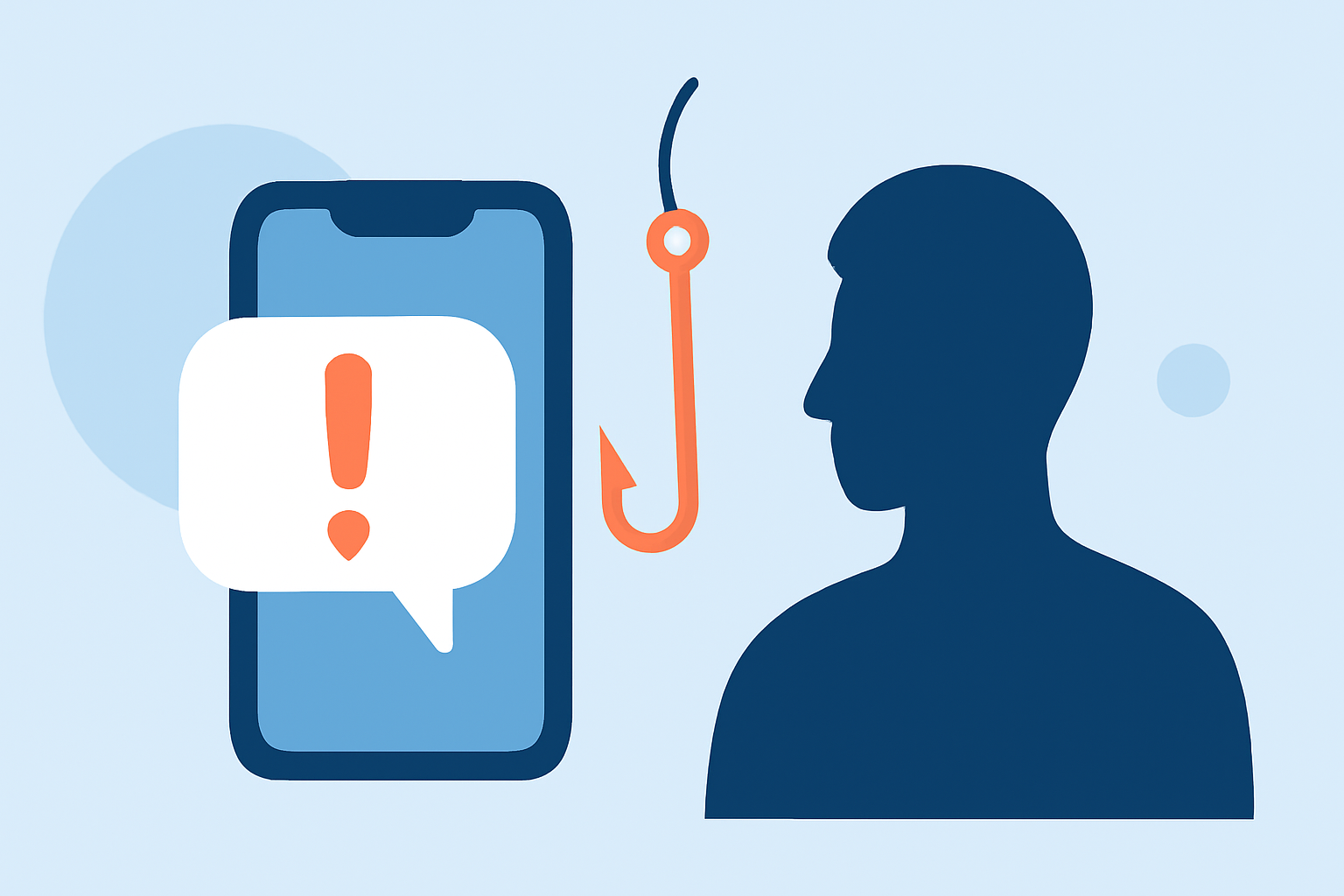
Phishing texts, also known as smishing, are deceptive messages designed to trick recipients into revealing sensitive information or clicking malicious links. These messages often impersonate trusted entities, such as banks or government agencies, to appear legitimate. Understanding how to identify and protect yourself from these threats is crucial in today's digital age.
What Are Phishing Texts and How Do They Work?
Phishing texts are fraudulent SMS messages that attempt to deceive individuals into providing personal information, such as passwords, credit card numbers, or Social Security numbers. They may contain urgent messages prompting immediate action, like verifying account information or claiming a prize. Often, these texts include links to fake websites that closely resemble legitimate ones, aiming to steal your data. Simply clicking on these links can lead to malware installation on your device, compromising your personal information.
How Can You Recognize Phishing Texts?
Identifying phishing texts can be challenging, but certain signs can help you spot them:
-
Unfamiliar Senders: Messages from unknown numbers or contacts not saved in your phone.
-
Urgent Language: Phrases like "Immediate action required" or "Your account has been compromised."
-
Suspicious Links: URLs that don't match the official website addresses of trusted organizations.
-
Grammatical Errors: Unusual language or spelling mistakes that are uncommon in official communications.
What Steps Can You Take to Protect Yourself?
Implementing the following strategies can significantly reduce the risk of falling victim to phishing texts:
-
Be Skeptical of Unsolicited Messages: Avoid clicking on links or downloading attachments from unknown sources.
-
Verify the Source: Contact the organization directly using official contact information to confirm the legitimacy of the message.
-
Keep Your Software Updated: Regular updates ensure your device has the latest security patches.
-
Use Strong, Unique Passwords: Employ complex passwords and change them regularly to enhance security.
-
Enable Two-Factor Authentication (2FA): Adding an extra layer of security makes it harder for unauthorized users to access your accounts.
How Does Robokiller Help Protect Against Phishing Texts?
Robokiller offers a comprehensive solution to safeguard against phishing texts through its advanced SMS Spam Protection feature. This feature employs a three-layer approach to filter and block unwanted messages:
-
Block/Allow List: Messages from numbers on your Block List are sent directly to your Junk folder, while those on your Allow List are permitted through.
-
Number Reputation: Robokiller assesses the sender's number against known spam activity. Messages from suspicious numbers are automatically blocked.
-
Content Analysis: The app scans incoming messages for scam-related keywords and patterns, ensuring your privacy is protected.
When a message is flagged as spam, it is moved to your SMS Junk folder on iOS or filtered silently on Android, allowing you to review these messages at your convenience. (support.robokiller.com)
How Can You Enhance Your Spam Text Protection with Robokiller?
To further strengthen your defense against phishing texts, consider the following steps within the Robokiller app:
-
Add Numbers to Your Block List: Manually add known spam numbers to your Block List to prevent future messages from those senders.
-
Add Keywords to Your Block List: Include specific keywords associated with spam messages to filter out unwanted content effectively.
By actively managing these settings, you contribute to a more secure messaging experience. (support.robokiller.com)
What Are the Benefits of Using Robokiller for Spam Text Protection?
Robokiller's advanced technology offers several advantages in protecting against phishing texts:
-
High Detection Rate: Robokiller blocks up to 99% of spam texts, significantly reducing unwanted messages.
-
User Control: The app allows customization of block and allow lists, giving you control over who can contact you.
-
Privacy Focused: Robokiller ensures that your messages are never stored or shared, maintaining your privacy.
By integrating Robokiller into your daily routine, you can effectively combat phishing texts and enjoy a more secure messaging experience. (robokiller.com)
How Does Robokiller Compare to Other Spam Text Protection Solutions?
While there are various spam text protection tools available, Robokiller stands out due to its comprehensive approach and advanced technology:
-
Advanced Filtering: Robokiller's three-layer filtering system offers a more robust defense compared to standard spam filters.
-
User Empowerment: The ability to customize block and allow lists provides users with greater control over their messaging environment.
-
Proactive Community Engagement: Robokiller's Spam Patrol feature allows users to report spam, contributing to a collective effort in combating phishing texts.
By choosing Robokiller, you opt for a solution that combines cutting-edge technology with user-centric features to effectively protect against phishing texts. (robokiller.com)
In conclusion, phishing texts pose a significant threat to personal security and privacy. By understanding their nature, recognizing warning signs, and implementing protective measures like Robokiller's SMS Spam Protection, you can safeguard yourself against these deceptive tactics. Staying informed and proactive is key to maintaining a secure digital environment.
Highlights:
- How does Robokiller block Spam Text Messages? – Robokiller Help Center
- How can I improve my spam text protection? – Robokiller Help Center
- Spam Texts 101 | Robokiller