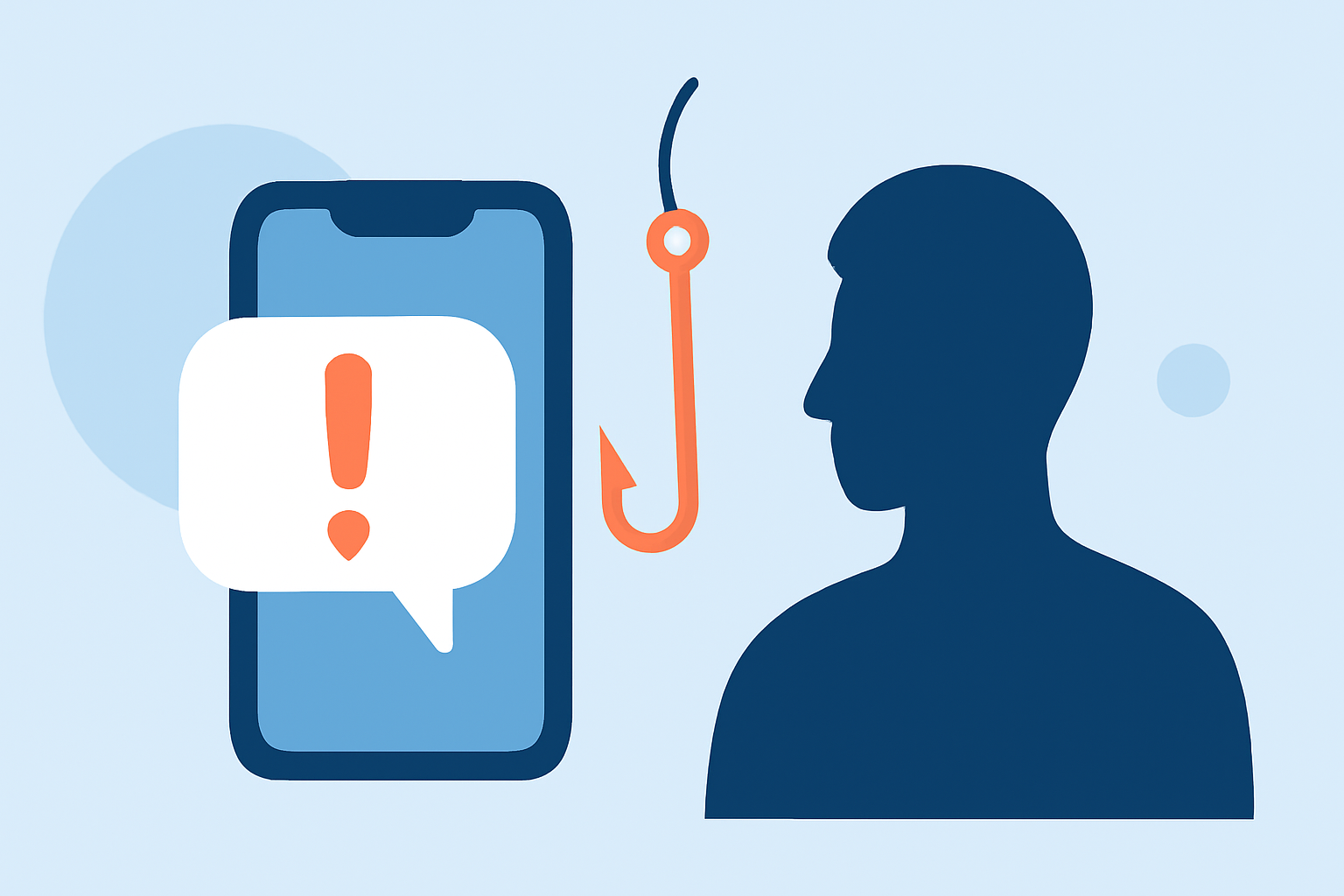
Phishing texts, or "smishing," are deceptive messages designed to steal personal information. These texts often impersonate trusted entities, urging recipients to click malicious links or provide sensitive data. With the rise of such scams, it's crucial to implement effective strategies to safeguard your personal information.
What Are Phishing Texts and How Do They Work?
Phishing texts are fraudulent messages that appear to come from reputable sources, such as banks, government agencies, or well-known companies. They typically contain urgent requests, like verifying account information or claiming you've won a prize, prompting recipients to click on links or share personal details. The goal is to deceive individuals into revealing sensitive information, leading to identity theft or financial loss.
How Can You Recognize Phishing Texts?
Identifying phishing texts involves looking for certain red flags:
- Unfamiliar Sender: Messages from unknown numbers or email addresses.
- Urgent Language: Phrases like "Immediate action required" or "Your account has been compromised."
- Suspicious Links: URLs that don't match the official website or contain misspellings.
- Requests for Personal Information: Asking for sensitive data like passwords or Social Security numbers.
Always verify the authenticity of such messages by contacting the organization directly through official channels.
What Steps Can You Take to Protect Yourself?
Implementing the following measures can significantly reduce the risk of falling victim to phishing texts:
- Be Skeptical of Unsolicited Messages: Avoid clicking on links or downloading attachments from unknown sources.
- Verify the Source: Contact the organization directly using official contact information to confirm the legitimacy of the message.
- Use Multi-Factor Authentication (MFA): Enable MFA on your accounts to add an extra layer of security.
- Keep Software Updated: Regularly update your device's operating system and apps to patch vulnerabilities.
- Educate Yourself and Others: Stay informed about common phishing tactics and share this knowledge with friends and family.
How Does Robokiller Help in Blocking Phishing Texts?
Robokiller offers a comprehensive solution to protect users from phishing texts through its advanced SMS Spam Protection feature. This feature employs a three-layer approach to filter and block unwanted messages:
- Block/Allow List: Messages from numbers on your Block List are sent directly to your Junk folder, while those on your Allow List are delivered normally.
- Number Reputation: Robokiller checks incoming numbers against known spam activity. Messages from suspicious numbers are automatically blocked.
- Content Analysis: The app scans messages for scam-related keywords and patterns, ensuring that your privacy is protected.
By implementing these layers of protection, Robokiller effectively reduces the risk of phishing texts reaching your inbox. (support.robokiller.com)
How Can You Enhance Your Spam Text Protection with Robokiller?
To further strengthen your defense against phishing texts, consider customizing Robokiller's settings:
- Add Numbers to Your Block List: Manually add known spam numbers to your Block List to prevent future messages from those sources.
- Add Keywords to Your Block List: Include specific keywords associated with spam or phishing attempts to filter out such messages.
These personalized settings help Robokiller stay sharp and keep your inbox clean. (support.robokiller.com)
Why Choose Robokiller Over Other Solutions?
While there are various apps available for blocking spam texts, Robokiller stands out due to its comprehensive and effective approach:
- Advanced Technology: Robokiller utilizes artificial intelligence and machine learning to analyze and block spam texts with high accuracy.
- Comprehensive Protection: Beyond blocking spam texts, Robokiller also offers features like spam call blocking and voicemail protection, providing holistic security.
- User Control: The app allows users to customize block and allow lists, giving you control over who can contact you.
These features make Robokiller a superior choice for those seeking robust protection against phishing texts. (robokiller.com)
Conclusion
Phishing texts are a significant threat, but by staying informed and utilizing effective tools like Robokiller, you can safeguard your personal information. Implementing the strategies outlined above will help you recognize and block phishing attempts, ensuring a safer digital experience.