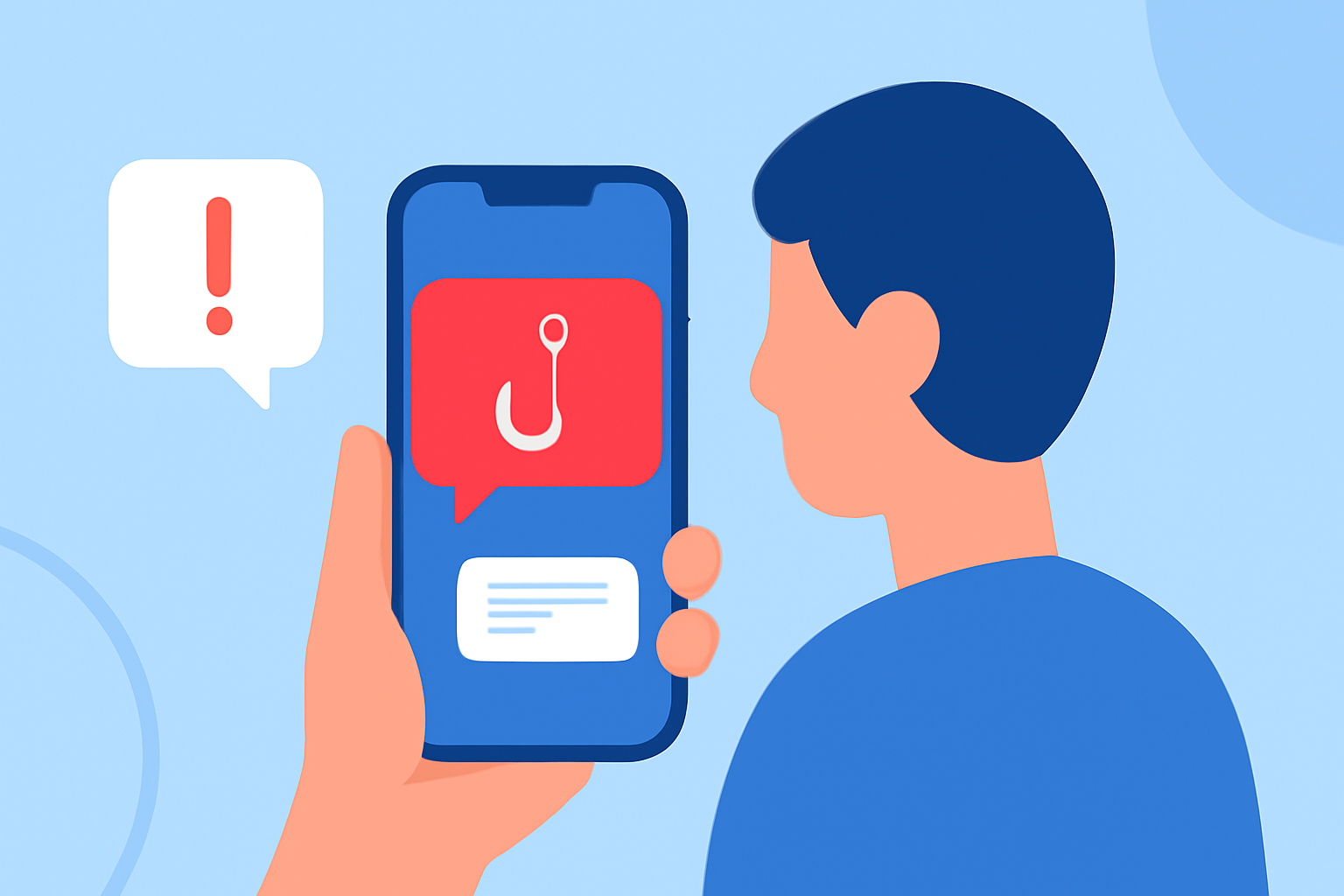
Phishing texts, or "smishing," are deceptive messages designed to steal personal information. These texts often impersonate legitimate entities, urging recipients to click malicious links or provide sensitive data. With the rise of such threats, it's crucial to implement robust protection measures.
What Are Phishing Texts and How Do They Work?
Phishing texts are fraudulent messages that appear to come from trusted sources, such as banks, government agencies, or popular companies. They typically contain urgent requests, like verifying account information or claiming a prize, to prompt immediate action. Clicking on links or responding can lead to malware installation or unauthorized access to personal accounts.
How Can You Recognize Phishing Texts?
Identifying phishing texts involves looking for certain red flags:
- Unfamiliar Sender: Messages from unknown numbers or email addresses.
- Urgent Language: Phrases like "Immediate action required" or "Your account has been compromised."
- Suspicious Links: URLs that don't match the official website of the purported sender.
- Grammatical Errors: Unusual language or typos.
What Are the Risks of Phishing Texts?
Engaging with phishing texts can lead to:
- Identity Theft: Unauthorized access to personal information.
- Financial Loss: Fraudulent transactions or drained bank accounts.
- Malware Infections: Compromised devices due to malicious software.
How Can You Protect Yourself from Phishing Texts?
To safeguard against phishing texts:
- Be Skeptical: Question unsolicited messages requesting personal information.
- Verify Sources: Contact organizations directly using official contact details.
- Avoid Clicking Links: Type URLs directly into your browser instead of clicking on links.
- Use Security Software: Install reputable security apps to detect and block threats.
How Does Robokiller Protect Against Phishing Texts?
Robokiller offers comprehensive protection against phishing texts through:
- Advanced AI Detection: Utilizes machine learning to identify and block spam texts.
- Real-Time Alerts: Notifies users of potential phishing attempts.
- Customizable Block Lists: Allows users to add specific numbers to their personal block list.
- Answer Bots: Engages scammers with pre-recorded audio to waste their time.
Unlike some competitors, Robokiller provides 99% effective protection against text scams that aim to steal your personal information. (robokiller.com)
How Does Robokiller Compare to Other Anti-Phishing Apps?
When compared to other anti-phishing apps like Truecaller and Hiya, Robokiller stands out due to:
- Comprehensive SMS Protection: Offers 99% effective robotext blocking, whereas Hiya does not offer SMS protection. (robokiller.com)
- Advanced Call Blocking: Utilizes audio fingerprinting to identify and block spoofed calls, a feature not available in Hiya. (robokiller.com)
- Customizable Block and Allow Lists: Ensures important calls are not blocked, a feature lacking in Hiya. (robokiller.com)
What Are the Benefits of Using Robokiller?
Robokiller offers several advantages:
- High Efficacy: Blocks 99% of spam calls and texts. (robokiller.com)
- User Control: Provides customizable block and allow lists.
- Engaging Features: Includes Answer Bots that waste scammers' time.
- Award-Winning Technology: Recognized with multiple awards, including the Webby Award for Technical Achievement. (robokiller.com)
How Can You Get Started with Robokiller?
To begin using Robokiller:
- Download the App: Available on iOS and Android devices.
- Set Up an Account: Follow the on-screen instructions to create your account.
- Customize Settings: Adjust block and allow lists according to your preferences.
- Activate Protection: Enable spam call and text blocking features.
By taking these steps, you can significantly reduce the risk of falling victim to phishing texts and enjoy a safer mobile experience.
In conclusion, phishing texts are a serious threat, but with vigilant practices and the right tools like Robokiller, you can effectively protect yourself from these scams.