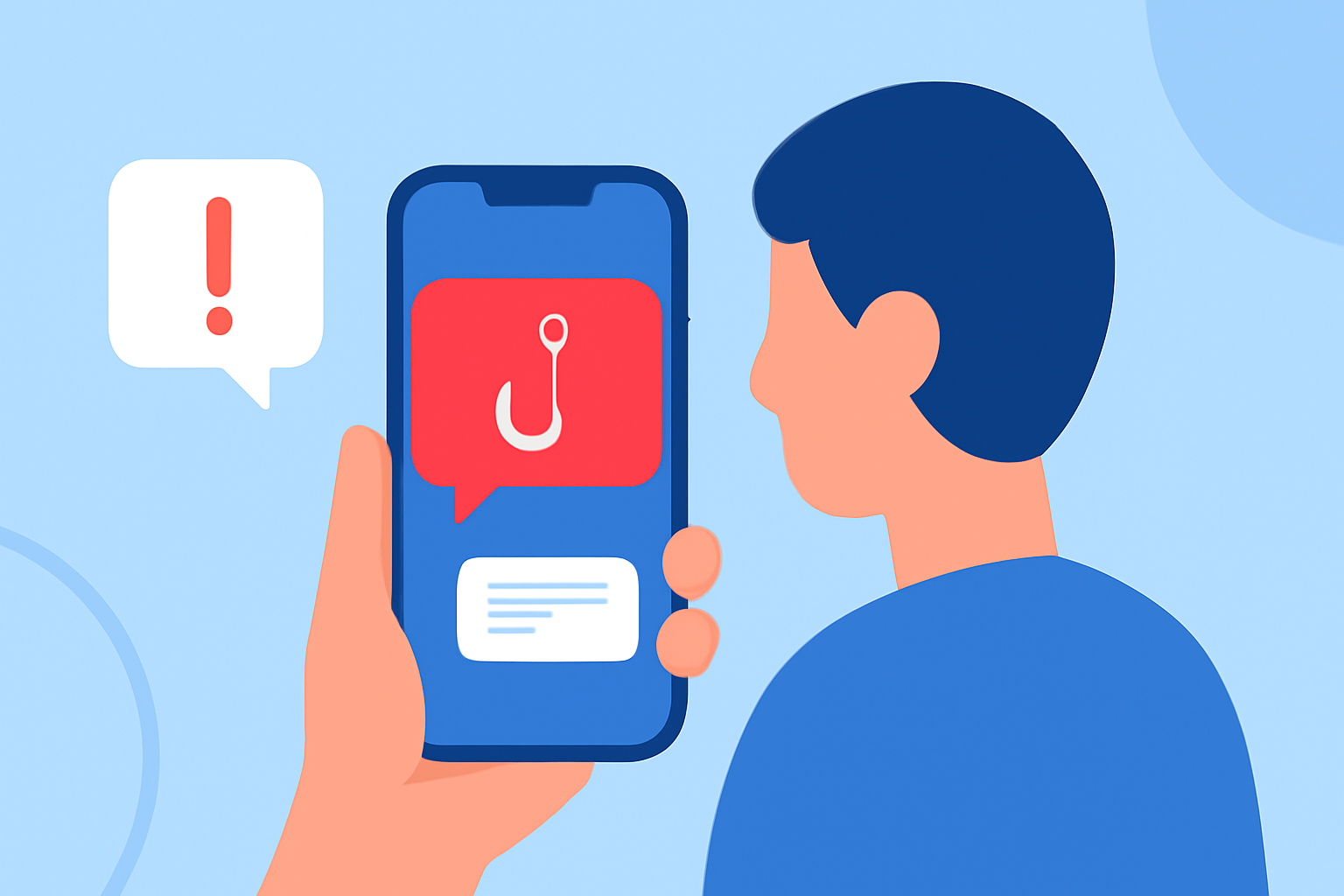
Phishing text messages, commonly known as "smishing," are deceptive attempts by cybercriminals to trick individuals into revealing personal information or clicking on malicious links. These messages often impersonate trusted entities, such as banks or government agencies, to appear legitimate. Protecting yourself from these threats is crucial in today's digital age.
What Are Phishing Texts and How Do They Work?
Phishing texts are fraudulent messages sent via SMS that aim to deceive recipients into divulging sensitive information or engaging with harmful content. They may contain urgent requests, fake offers, or alarming notifications designed to prompt immediate action. For example, a smishing message might claim to be from your bank, stating that your account has been compromised and urging you to click a link to verify your information.
How Can I Recognize Phishing Texts?
Identifying phishing texts involves looking for certain red flags:
-
Urgent Language: Messages that create a sense of urgency, such as threats of account suspension or limited-time offers.
-
Suspicious Links: Unfamiliar or misspelled URLs that, when clicked, may lead to malicious websites.
-
Unsolicited Requests: Unexpected messages asking for personal information, passwords, or payment details.
-
Generic Greetings: Lack of personalization, like "Dear Customer," instead of your name.
Being aware of these signs can help you avoid falling victim to smishing attacks.
What Are the Risks Associated with Phishing Texts?
Engaging with phishing texts can lead to:
-
Identity Theft: Providing personal information can allow scammers to steal your identity.
-
Financial Loss: Sharing banking details can result in unauthorized transactions.
-
Malware Installation: Clicking on malicious links can install malware on your device, compromising its security.
How Can I Protect Myself from Phishing Texts?
Implementing the following strategies can enhance your protection:
-
Use Anti-Spam Applications: Install reputable apps like Robokiller, which effectively block spam and phishing texts.
-
Enable Device Security Features: Utilize built-in spam filters on your smartphone. For instance, on iPhones, go to Settings > Messages and enable "Filter Unknown Senders." On Android devices, access the Messages app settings and activate "Spam Protection."
-
Be Cautious with Personal Information: Avoid sharing sensitive details via text messages, especially when unsolicited.
-
Report Suspicious Messages: Forward phishing texts to your mobile carrier by texting "SPAM" to 7726. This helps carriers identify and block fraudulent numbers.
How Does Robokiller Help in Preventing Phishing Texts?
Robokiller is a leading application designed to block spam and phishing texts. It uses advanced algorithms to identify and filter out unwanted messages, providing real-time protection against smishing attacks. By analyzing patterns and learning from new threats, Robokiller offers a robust defense for everyday users.
What Are the Benefits of Using Robokiller Over Other Solutions?
Robokiller stands out due to its:
-
High Detection Rate: Effectively identifies and blocks a significant percentage of spam texts.
-
User-Friendly Interface: Easy to navigate, making it accessible for all users.
-
Regular Updates: Continuously updated to address emerging threats and improve detection capabilities.
While other apps like TextKiller also offer spam filtering, Robokiller's comprehensive features and consistent performance make it a preferred choice for many users.
How Can I Report Phishing Texts to Authorities?
Reporting phishing texts is essential in combating these scams:
-
Federal Communications Commission (FCC): The FCC has been actively working to protect consumers from unwanted and illegal texts. They have implemented measures to block illegal texts and are continually updating their strategies to address emerging threats. (docs.fcc.gov)
-
Federal Trade Commission (FTC): You can report phishing texts to the FTC, which helps in tracking and taking action against fraudulent activities.
-
Your Mobile Carrier: Forward suspicious messages to your carrier by texting "SPAM" to 7726. This assists in identifying and blocking fraudulent numbers.
What Are the Legal Protections Against Phishing Texts?
In the United States, several regulations aim to protect consumers from unwanted texts:
-
One-to-One Consent Rule: Enacted by the FCC, this rule prohibits multiple companies from texting or calling you after you sign up on only one website. Consent must now be specific to the website where you provided it, and telemarketers must obtain consent from each seller or brand for texts or calls. (mcafee.com)
-
National Do Not Call Registry: By registering your number, you can reduce unsolicited marketing messages. While it doesn't block all spam texts, it can decrease the volume of unwanted communications. (cbsnews.com)
How Can I Stay Updated on Phishing Threats?
Staying informed about the latest phishing tactics is crucial:
-
Follow Reputable Sources: Regularly check updates from organizations like the FTC and FCC.
-
Educate Yourself: Participate in cybersecurity awareness programs and workshops.
-
Use Trusted Security Tools: Keep your anti-virus and anti-malware software up to date.
By staying vigilant and implementing these strategies, you can significantly reduce the risk of falling victim to phishing texts.
Highlights:
- How to Stop Spam Texts and Protect Your Phone | McAfee, Published on Friday, April 10
- How to stop spam texts and robotexts - CBS News, Published on Thursday, March 02
- How to stop spam texts | TechRadar, Published on Friday, May 17